B-1/E-23, Mohan Co-Operative Industrial Area, Mathura Road, Delhi-110044, India


- Uncategorized
- 04-Jan-2026
- -
- 0 Comments
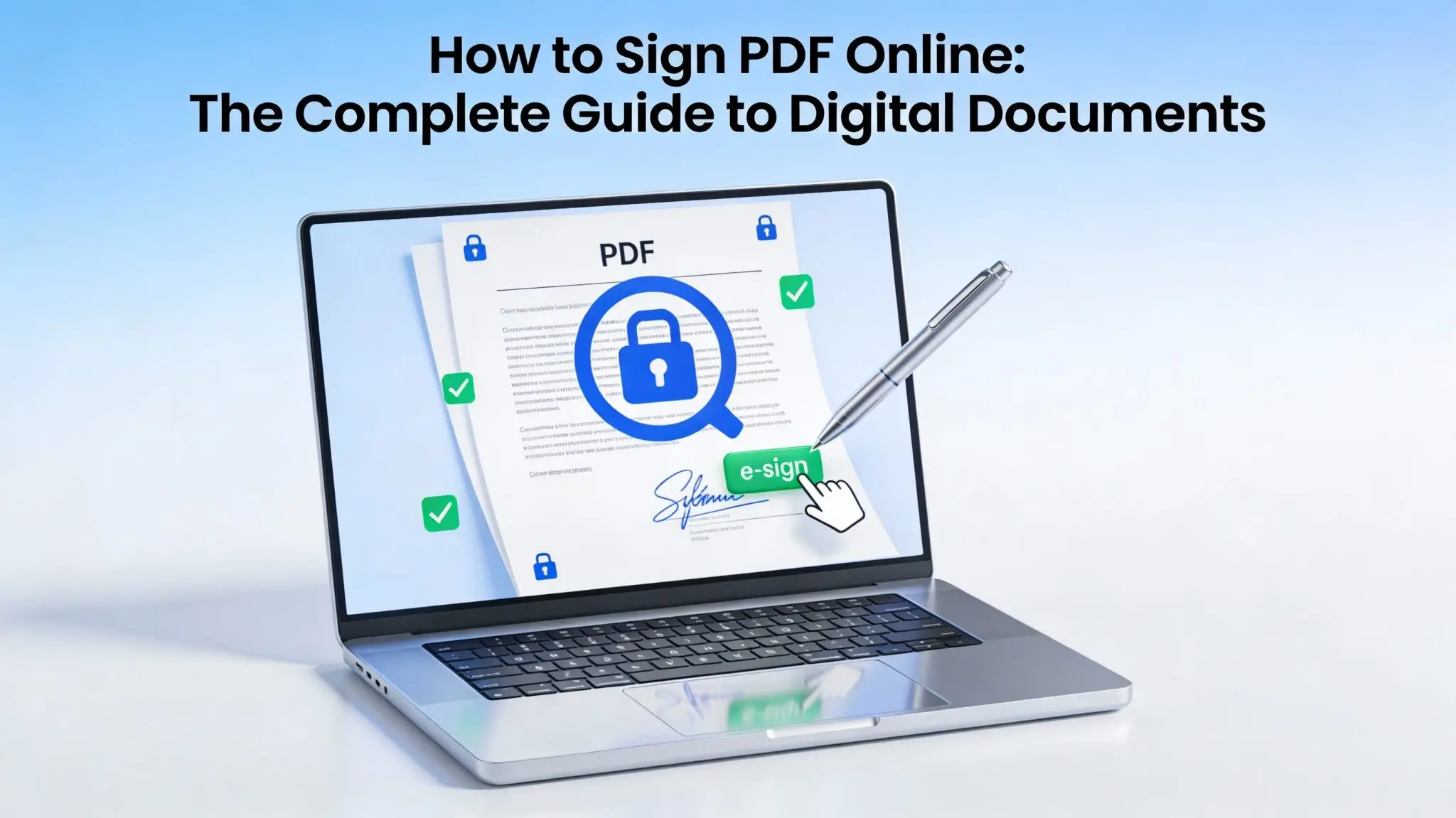
Signing PDFs is no longer a back-and-forth process. Now, you can easily sign a PDF Online in under 60 Seconds without printing, scanning it, or sending paperwork. Yes, you heard it right. With your mobile, desktop, or even with tab, you can quickly place a signature on your PDF and download the signed copy easily.
All you need to do is upload your document on a eSign portal, add a signature, and then download the PDFs easily. It is a secure and legal way to get your documents signed. The online PDF signing is widely used by businesses to manage HR tasks, contract approval, and agreements.
What Does It Mean to Sign a PDF Online?
Signing a PDF online means applying a legally binding signature electronically on a digital document. It can be applied via a web browser or app. For signing a PDF, you don’t need to scan, print, and then scan again to share the document. Online PDF signing eliminates the long back-and-forth signing process and helps improve efficiency. Through online PDF signing platform, you can get features like:
- Easily sign the documents from any device, such as smartphones and tablets.
- Protect documents with encrypted file handling
- Maintain transparency by tracking when and who signed
- Cloud storage to save and access documents anytime
How to Sign PDF Online in Under 60 Seconds: Step-by-Step Guide
Online PDF signing is not only the fastest and most efficient way to sign documents digitally, but it is also a secure way to manage PDFs easily. Here is the step-by-step guide through which you can quickly sign PDF online within seconds:
Step 1: File Uploading on the Tool
- First of all, visit a tool like EazeeSign.
- Then, easily drag or upload the PDF document
- Click on “Open” to open the document editor
Step 2: Signature Placement
Next, you have to select the area where you want to put the signature. You can easily:
- Click anywhere in the document to place the sign
- Drag or drop the signature files
- Add additional details, like date, initials, or checkboxes
Step 3: Create Your Digital Signature
You can create a signature in multiple ways. You can choose the option that looks most natural:
- Draw your signature using a mouse or touchscreen
- Type your name and select a handwritten-style font
- Upload an image of your handwritten signature
Choose the option that looks most natural.
Step 4: Check the Document
It is essential to review once before final submission to avoid any errors:
- Check signature alignment
- Adjust size if needed
- Review the document content
Step 5: Download Share the Signed PDF
Once reviewed, save the file, and then: After signing, you can:
- Download the signed PDF
- Share it via email or cloud storage
- Save it for future reference
Now, you have the signed document in less than a minute. This way, you don’t need to go through the traditional document signing process.
What are Benefits of Signing PDF Online
Apart from saving time, you can take advantage of several benefits by signing a PDF online. Here we have listed some benefits of using PDF signing tools for individuals and businesses:
- Saves Time: There is no need of printing, scan, or deal with courier delays. Quickly sign the document and share it online without any delay.
- No Hassle: You can sign PDFs from anywhere and anytime via mobile, tablet, or desktop devices.
- Security: Protect your documents with encryption and tamper detection.
- Less Paperwork: Say bye to the long manual paperwork process and support sustainability.
Is It Safe to Sign PDF Online?
In the world of digitalisation, safety has become of the concerns. But with reliable PDF signing tools, you can safely sign your PDFs and share them digitally without any hassle.
- Encrypted file handling
- Tamper-proof signatures
- Secure access controls
- Audit trails to track document activity
This feature makes online signing safer than sharing scanned documents.
Are Online PDF Signatures Legally Valid?
Yes, electronic and digital signature software are legally recognised in many countries and jurisdictions for business and personal documents. There are dedicated laws that require digitally signed documents to be accepted for:
- Contracts
- Business agreements
- HR forms
- Legal approvals
However, the legal validity depends on local regulations and compliance requirements.