B-1/E-23, Mohan Co-Operative Industrial Area, Mathura Road, Delhi-110044, India
- Digital Sign Apps
- 30-Jun-2026
- -
- 0 Comments
Printing a document just to sign it and scan it back feels like a reasonable workaround — until you’ve done it fifty times.
The printer runs out of ink at the wrong moment. The scan comes through sideways. The email thread has three versions of the same document, and nobody is sure which one was actually signed. And somewhere in that process, a deal that was ready to close is now waiting on paperwork that should have taken five minutes.
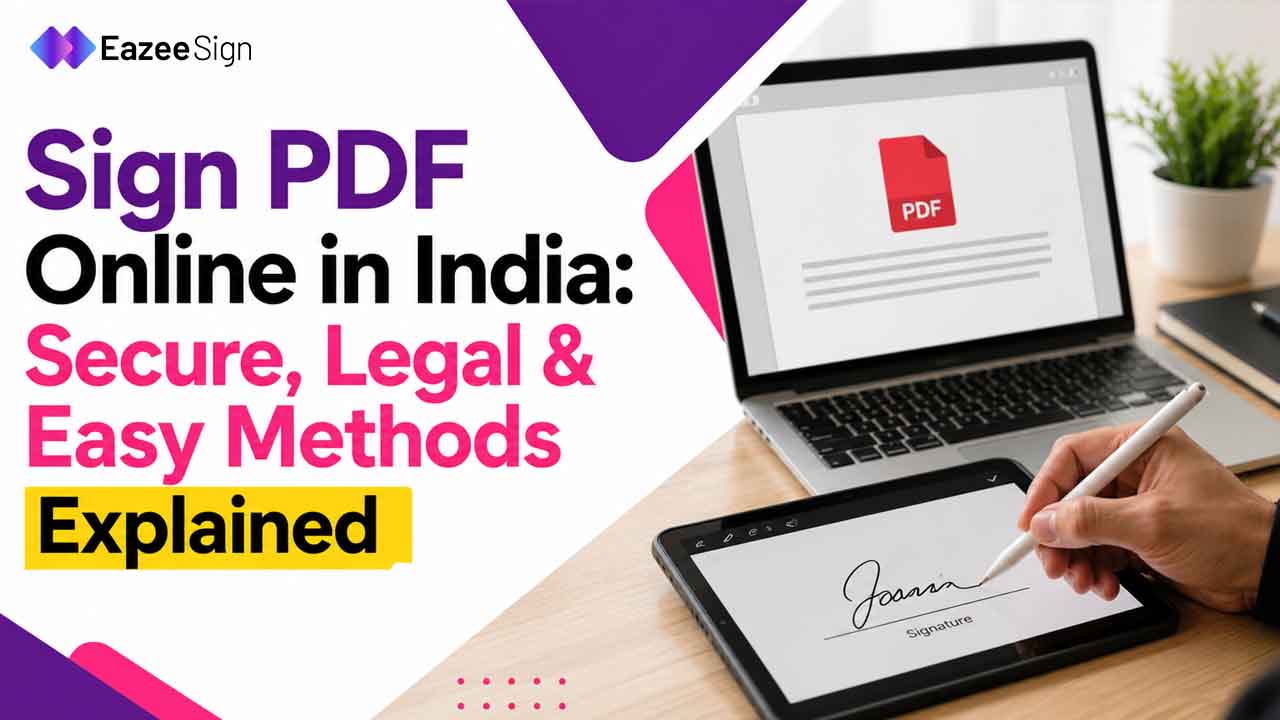
There’s a better way to handle this. The ability to sign PDF online has moved from a convenience feature to a genuine business tool — one that’s legally recognized, cryptographically secure, and accessible from any device without installing anything.
This guide covers how it works, what makes it legally valid in India, and what to look for before trusting a platform with documents that actually matter.
Why PDF Signing Moved Online
The shift wasn’t just about convenience.
Physical document workflows have a structural problem that becomes more visible as business moves faster. A contract that needs three signatures from people in different cities. An HR document that has to reach a new hire before their first day. A vendor agreement where one party is traveling and can’t access a printer.
In each of these situations, the document itself is ready. The information is agreed. The only thing missing is a signature — and the process of getting it adds days to something that should take minutes.
Online PDF signing removes the logistics entirely. The document travels as a secure link. The signer reviews it on their phone, laptop, or tablet. The signature is applied, verified, and recorded. Both parties receive confirmation instantly.
No courier. No scanner. No inbox archaeology trying to find the right version.
What “Sign PDF Online” Actually Means
Worth clarifying, because this term covers more than one thing.
At the basic end, some tools let you draw or type a signature and overlay it on a PDF. That’s an image. It looks like a signature. It doesn’t function like one — there’s no identity verification, no cryptographic binding, no way to detect if the document was altered after signing.
At the other end, a properly built electronic signature software PDF platform applies a cryptographic signature that binds the signer’s verified identity to the exact state of the document at the time of signing. If a single character changes after that — a number, a clause, a date — the signature becomes invalid and the tampering is immediately detectable.
The difference matters enormously for documents with legal or financial weight. A sales contract, a loan agreement, a regulatory filing — these need the second kind of signing, not the first.
Understanding which type a platform offers is the first question worth asking.
Is Signing PDF online Legally Valid in India?
This is where most hesitation lives. And it’s a f air question.
The short answer: yes — provided the platform meets the right standards.
The Information Technology Act 2000 is the governing legislation for electronic and digital signature software in India. Under this framework, electronically signed documents carry the same legal weight as manually signed equivalents for most commercial transactions. The Act distinguishes between basic electronic signatures and more secure digital signatures — with the latter carrying higher evidentiary value in disputes.
For high-stakes documents, Aadhaar-based eSign provides an additional layer of authentication. Governed by UIDAI and recognized under the IT Act framework, Aadhaar eSign verifies signer identity against government records in real time. This makes it particularly relevant for financial instruments, loan agreements, and any documentation where identity verification carries legal significance.
Sector-specific guidance from RBI, IRDAI, and SEBI has progressively expanded the scope of digitally executed documentation within regulated industries — meaning a legally valid electronic signature is no longer a workaround in these contexts. It’s the expected standard.
The practical implication: the document is only as valid as the platform executing it. A tool that doesn’t meet IT Act standards, regardless of how slick its interface is, doesn’t produce legally defensible signatures for documents that will face scrutiny.
How Online PDF Signing Actually Works
The process is simpler than the underlying technology suggests.
Upload the PDF to the signing platform. Define the fields — signature, date, initials, any required text inputs. Assign signers and set the sequence if multiple parties are involved. Send.
The signer receives a secure link, opens the document in their browser, completes the required fields, and signs. No account creation required on most platforms. No software to download. The signature is applied cryptographically, the audit trail is generated automatically, and both parties receive a signed copy with a certificate of completion attached.
For multi-party documents, the sequence enforces itself. The second signer doesn’t receive the document until the first has completed their action. Automated reminders go out at defined intervals. The sender gets real-time visibility into document status — opened, pending, signed — without manually following up.
The entire process, for a straightforward two-party agreement, typically completes in under ten minutes.
What the Audit Trail Captures in Signing PDF electronically
Every sign document online transaction generates a record. What that record contains varies significantly between platforms — and the depth of it matters more than most people realize until they need it.
A comprehensive audit trail captures:
- Signer identity and the verification method used
- Timestamp of every action — document sent, opened, signed, completed
- Device type, IP address, and geographic location at the time of signing
- Document hash confirming integrity at the moment of signing
- Sequential record for each signer in multi-party transactions
That record is tamper-evident and retrievable on demand. In a dispute — whether commercial, regulatory, or legal — it answers the questions that matter without relying on anyone’s memory or inbox search.
For business owners who’ve ever had a vendor claim they never agreed to specific terms, or a client dispute when a document was received, the audit trail is what closes that conversation quickly.
Free vs. Paid: What the Difference Actually Means
A search for sign PDF online free returns dozens of tools. Some are genuinely useful for low-stakes documents. Others create problems that only surface later.
Free tools typically offer limited document volumes, basic signature overlays without cryptographic signing, no audit trail depth, and data handling practices that aren’t always transparent. For personal documents — a rental application, a permission slip, a basic acknowledgement — that’s often fine.
For business documentation, the calculus changes.
A vendor contract signed on a free tool with no audit trail and no compliance certification isn’t just legally thin — it’s a liability the moment someone decides to push back on it. The cost of a platform that signs correctly is almost always lower than the cost of a dispute it can’t resolve.
The right question isn’t whether a tool is free. It’s whether the signatures it produces will hold up when they need to.
What to Look for in an Online PDF Signing Platform
Not all electronic signature software is built equally. A few things are worth verifying before committing:
- IT Act 2000 compliance — confirms legal validity for Indian commercial transactions
- Aadhaar eSign support — required for identity-authenticated signing on high-value documents
- Audit trail depth — what’s captured, how long it’s retained, whether it’s tamper-evident
- Encryption standards — how documents are protected in transit and at rest
- Security certifications — SOC 2, ISO 27001, ISO 27017, ISO 27018 indicate serious infrastructure
- Pricing transparency — platforms charging per envelope create incentives to batch documents inefficiently
EazeeSign is built around all of these. IT Act 2000 compliant, Aadhaar eSign enabled, and certified across SOC 2 and ISO frameworks — its Electronic Signature App is designed specifically for Indian businesses that need secure PDF signing with legal standing, not just a fast interface.
The pricing model is transparent. No hidden per-document charges. No surprises at renewal.
Which PDF Documents Can Be Signed Online
The scope is broader than most people assume.
Vendor and supplier contracts. Client service agreements. NDAs. Employment offer letters and HR documentation. Loan agreements and financial instruments. Real estate lease deeds. Internal finance and procurement approvals. Regulatory compliance filings for SEBI, IRDAI, or MCA.
Virtually any document that currently requires a wet signature for commercial purposes can be executed digitally — provided the platform meets the legal standards applicable to that document type.
The exception is a narrow category of documents that still require physical execution under specific legislation — certain property registrations, wills, and negotiable instruments in particular contexts. For the vast majority of business documentation, electronic signature India compliance is fully achievable through a properly built platform.
The Shift That’s Already Happened
Here’s something worth sitting with.
Businesses that moved to online PDF signing two or three years ago aren’t thinking about it anymore. It’s just how documents work. Contracts close faster. HR onboarding runs without friction. Finance approvals happen the same day they’re initiated.
The businesses still managing signatures through printed forms and scanned PDFs aren’t just moving slower. They’re carrying a process overhead their competitors have already eliminated.
The technology is mature. The legal framework is established. The platforms that meet the right standards are accessible and affordable.
At this point, the main reason to stay manual is familiarity. And familiarity is a poor substitute for a process that actually works.