Complete Audit
Trail
Track every document action with a detailed signing history.


374 William S Canning Blvd USA



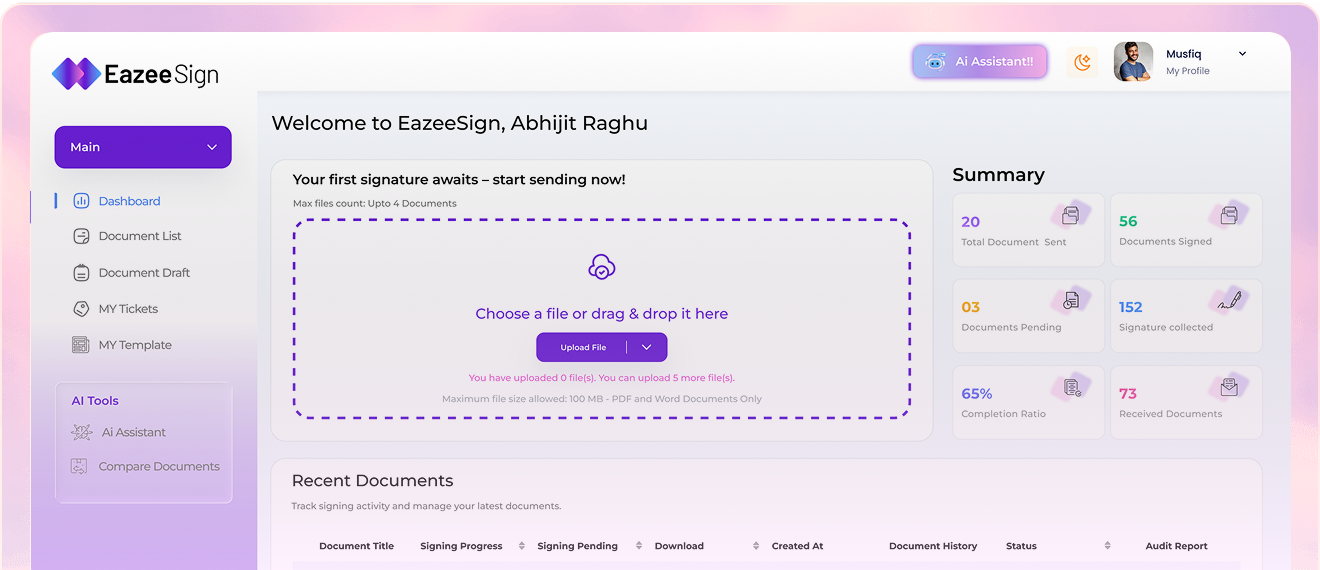




Track every document action with a detailed signing history.
Complete documents faster with a simple, streamlined signing experience.
Send documents to multiple recipients and manage signatures in one place.
Send documents to multiple recipients at once and reduce repetitive work.
Keep pending signatures moving with automatic reminders and timely follow-ups.
Add an extra verification step to help keep document access secure.
Keep your document workflows protected with controlled access and activity tracking.
Send documents, collect signatures and keep approvals moving without printing, scanning, or unnecessary delays.
Digital Signature SoftwareAI Document Intelligence
AI that understands your document, highlights what matters and helps you to take confident actions — faster.
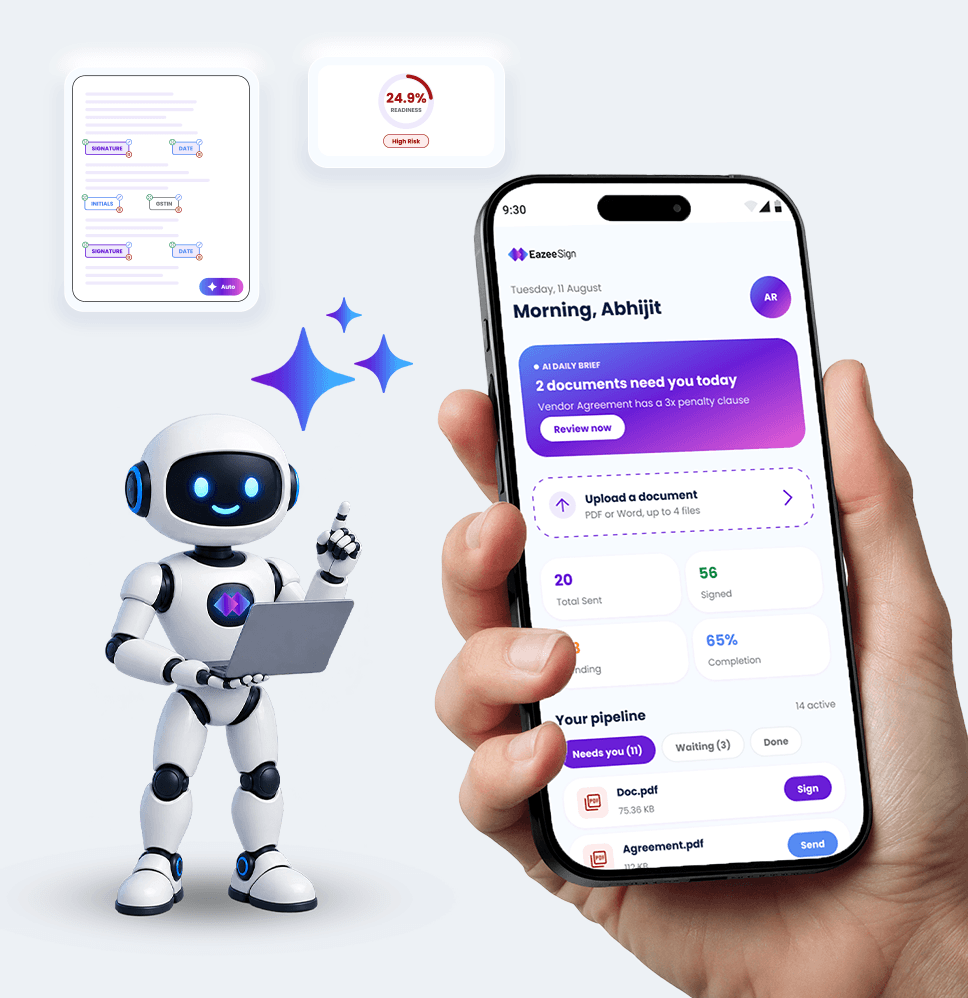
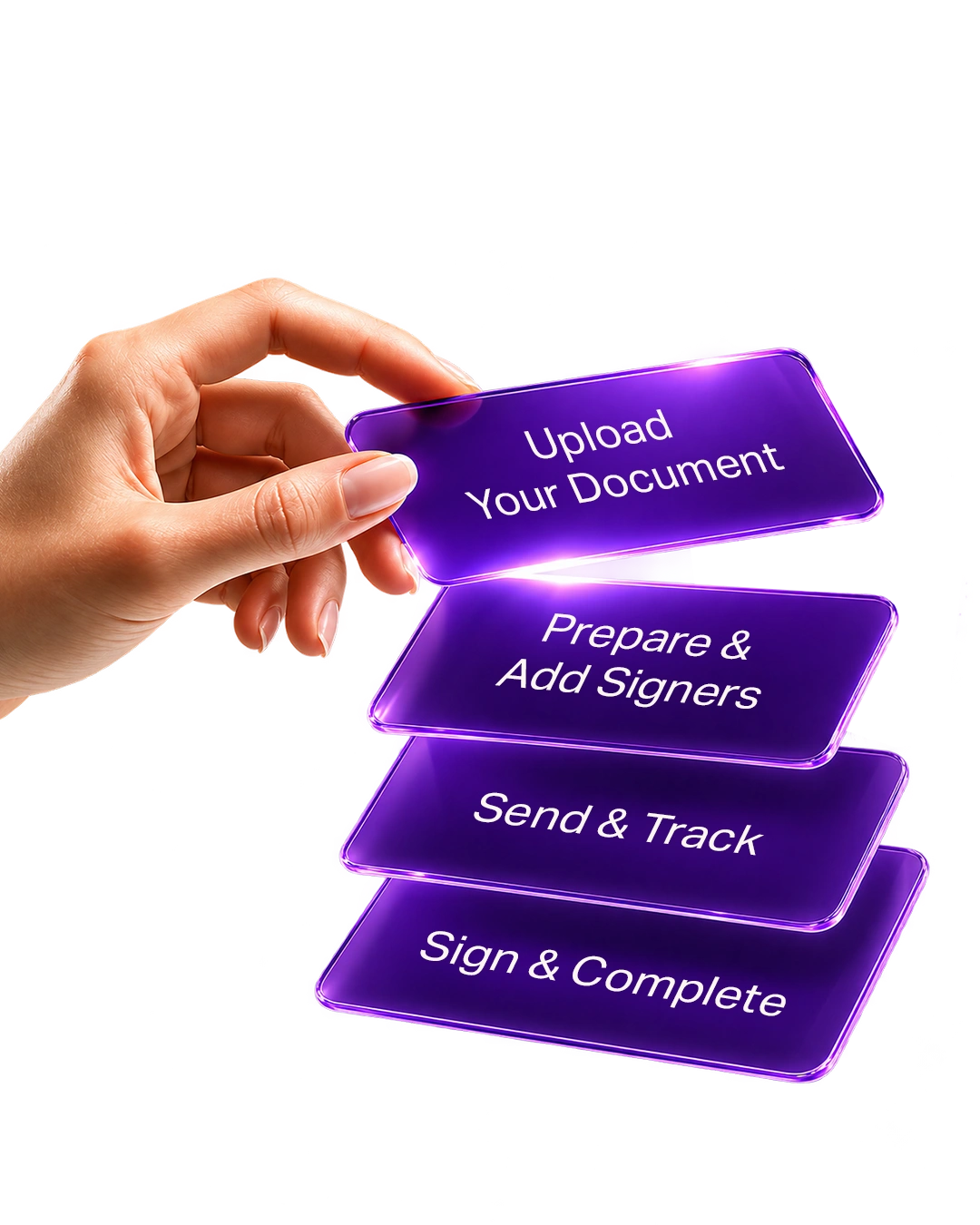
Upload, prepare, send and sign documents in a few simple steps.

Upload your contract, agreement, PDF, or other document and get it ready for signing.

Add recipients, place signature fields and set the signing order when needed.

Send the document for signing and track its progress until everyone has signed.

Collect signatures and download or share the completed document.
"We were managing contracts manually earlier, which took a lot of time. EazeeSign AI helped us reduce paperwork and complete document signing much faster."

"We used to spend a lot of time collecting signed offer letters. With EazeeSign, candidates can sign online and onboarding has become much smoother."

"Our sales team was always following up for signatures. EazeeSign helped us send contracts, track progress and complete deals without unnecessary delays."

"We needed better visibility into client agreements. EazeeSign's audit trails helped us track every signing activity and keep our records organized."

"Earlier, patient forms and approvals depended on paperwork. EazeeSign helped our team move these processes online and access records whenever needed."

"We handle multiple contracts every day and reviewing them was time-consuming. EazeeSign's AI features helped us identify important clauses faster."

"We were spending too much time coordinating property documents. EazeeSign made it easier for buyers, sellers and tenants to sign from anywhere."

"Vendor approvals involved many emails and follow-ups earlier. EazeeSign helped us track documents better and complete procurement workflows faster."

"We were spending extra time reviewing contracts. EazeeSign's AI comparison and risk analysis features helped our team review documents more efficiently."

"As a freelancer, I manage agreements with multiple clients regularly. EazeeSign helped me collect signatures faster and handle documents without lengthy email follow-ups."

Businesses across the globe rely on EazeeSign to handle documents without delays. From sending and signing to tracking and AI-powered insights, everything stays clear, traceable, and easy to manage — across teams, locations, and time zones.
 Single user
7 days Free Trial
Drag and drop feature
Upto 5 documents
Reminders & Notifications
Mobile & desktop apps
Organize with folders and tags
Document editor
Two-Factor Authentication
Single user
7 days Free Trial
Drag and drop feature
Upto 5 documents
Reminders & Notifications
Mobile & desktop apps
Organize with folders and tags
Document editor
Two-Factor Authentication
save ₹3000 with yearly plan
Send in bulk
Signing link invites
Document groups
Increase collaboration with real-time commenting
Upto 25 documents
Reminder, Notifications, Deadlines
Reuse your own documents
Bulk import
Embedded videos
Inline comments
Unlimited storage
save ₹4200 with yearly plan
Custom quotes
Unlimited templates
Reports
Multi-language support
Advanced threat protection
Conditional documents
Save time by bulk sending to multiple recipients at one time
Increase accuracy with real-time data verification as signers type
Custom branding and content library
Enable intuitive signing with interactive form fields
Get 24/7 live technical support
Single sign-on (SSO)
Team workspaces
Full API access
Automatic cloud backup
Ensure compliance with all security configurations
Maintain oversight with centralized org management
Audit trail
Auto reminders
Automated reports
Custom user roles