B-1/E-23, Mohan Co-Operative Industrial Area, Mathura Road, Delhi-110044, India
- Digital Signature Software
- 08-Jul-2026
- -
- 0 Comments
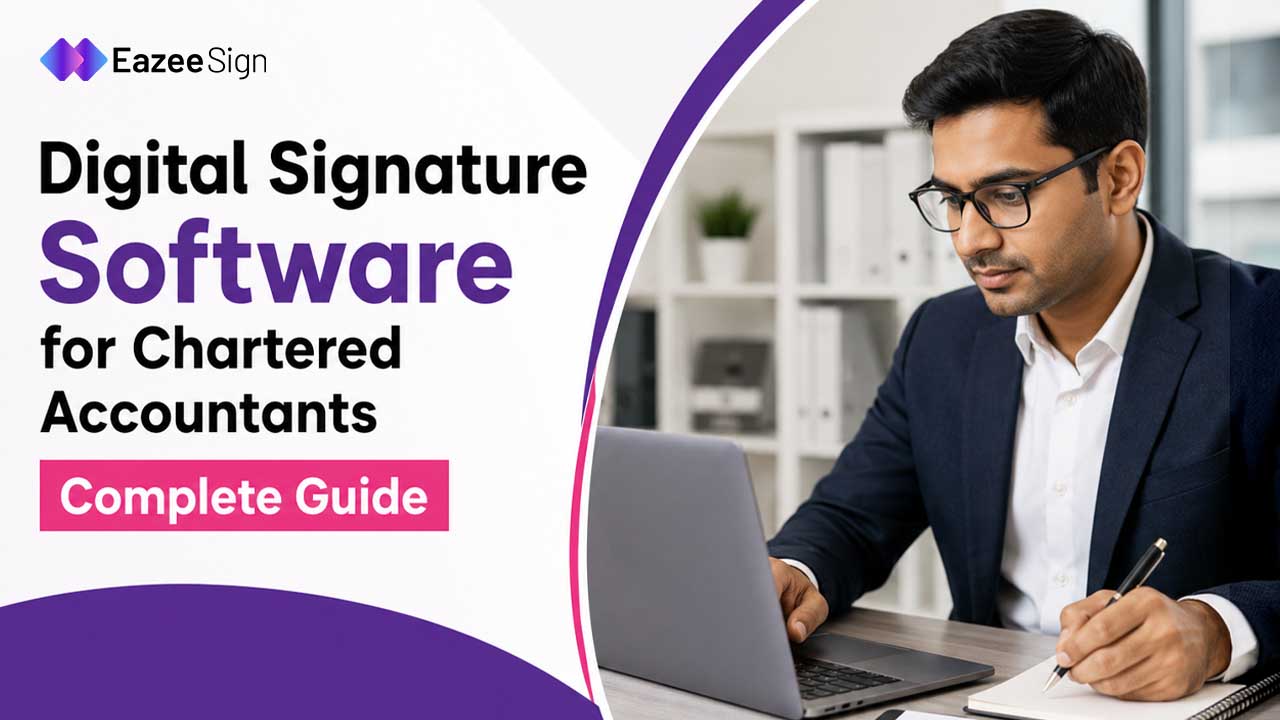
March. Every CA knows what that month means.
Audit reports stacking up, ITR deadlines closing in, and somewhere in the middle of it, a stack of documents that all need the same thing — a valid signature, fast. This is exactly where digital signature software stops being a nice-to-have and becomes the thing standing between a firm and a missed deadline.
Not all signing tools are built for this kind of pressure, though. A CA’s signing needs look different from a sales team closing a contract.
Why Chartered Accountants Can’t Use Just Any Signing Tool
Here’s the distinction that trips people up: an electronic signature software and a digital signature aren’t the same thing legally.
For statutory filings — audit reports, tax returns, ROC documents — the Ministry of Corporate Affairs and the Income Tax Department specifically require a Digital Signature Certificate (DSC), typically Class 3, issued by a licensed Certifying Authority. A basic e-signature won’t satisfy that requirement. This is why digital signature software built for CAs needs to support DSC tokens directly, not just generic e-signing.
Get this wrong and a filing gets rejected. That’s not a minor inconvenience during peak season.
What Good Digital Signature Software Actually Needs
A few non-negotiables separate software built for accounting professionals from generic signing tools.
DSC token integration:- The software should detect and work with USB tokens (eToken, ePass) without compatibility headaches. Java-based DSC plugins are notoriously finicky — good software handles this quietly in the background.
Bulk signing capability:- Signing forty Form 16s one at a time isn’t realistic in February. Bulk digital signature software lets a CA select a batch of PDFs and sign them in one pass, keeping the certificate validation intact for every file.
MCA and income tax portal compatibility:- Filings need to be uploaded cleanly without format errors. Software that’s been tested against these specific portals saves hours of troubleshooting during deadline weeks.
Audit trail and document retention:- Regulatory requirements mean signed documents often need to be retrievable years later, complete with timestamp and certificate validity proof — not just the signature image.
Multi-client management:- A practicing CA isn’t signing for one entity. The software needs to handle multiple client profiles, each with separate document histories, without things getting mixed up.
A finance team is one thing. A CA firm juggling sixty client files in the same week is a different kind of pressure entirely.
Read More – A Guide to Different Types of Electronic Signatures
Digital Signature Online: What Changes for a Practicing CA
Working with digital signature online tools means a CA doesn’t need physical presence at a client’s office just to get a document stamped and signed. That alone changes how a small practice operates — fewer site visits, faster turnaround on routine filings.
Still, going fully online raises a fair question: is it secure enough for client financial data?
The answer depends entirely on the platform. Reputable digital signature online software encrypts documents in transit and at rest, and ties every signature to a verified DSC rather than a simple click-to-sign action. That distinction is what makes it acceptable for statutory work, not just internal paperwork.
Where AI Actually Helps a CA’s Workflow
AI features built into modern digital signature software aren’t just for sales teams chasing faster deal closures. For CAs, they solve a different problem — volume and accuracy under deadline pressure.
Risk Analysis scans uploaded documents for inconsistencies — mismatched dates, missing fields — before a CA signs off, catching errors before they become a rejected filing.
Document Generation helps draft standard engagement letters or compliance certificates from existing templates, cutting down repetitive drafting work during busy season.
Key Clauses Analysis flags the sections of a client agreement or audit engagement letter that carry the most liability exposure, so nothing critical gets glossed over in a rush.
Document Summary condenses lengthy compliance documents into a quick overview — useful when a partner needs to review forty files in an afternoon, not forty hours.
None of this replaces professional judgment. A CA still signs off based on their own review. It just removes some of the manual scanning that eats up time during the busiest weeks of the year.
Read More – How Safe Are Electronic Signatures?
Compliance Context That Matters for CAs
Digital signatures for statutory purposes in India fall under the IT Act 2000, which gives them the same legal standing as a handwritten signature when properly executed through a licensed Certifying Authority.
For CAs specifically, the Institute of Chartered Accountants of India (ICAI) has its own guidance on digital signing for audit documentation, and most major filing portals — MCA21, the income tax e-filing portal, GSTN — mandate Class 3 DSCs for specific filing categories.
Choosing digital signature software that’s pre-tested against these systems isn’t optional. It’s the baseline.
What to Check Before Choosing
A short list worth running through before committing to any platform:
- Does it support Class 3 DSC tokens without compatibility issues?
- Can it handle bulk signing during peak filing periods?
- Is there a multi-client or multi-entity management option?
- Does the audit trail meet retention requirements for statutory documents?
- Has it been tested against MCA and income tax portal uploads?
Skipping this checklist tends to surface problems in March — exactly when there’s no time to switch platforms.
Where EazeeSign Fits In
EazeeSign supports DSC-based signing built around Indian compliance requirements, with AI-assisted features like risk analysis and document summarization layered on top — designed with the kind of volume and deadline pressure CA firms deal with every filing season.
For firms managing multiple clients, the multi-entity structure keeps document histories separated cleanly, without the manual folder-juggling that comes with generic e-signing tools.
Conclusion
Picking digital signature software for CA isn’t really about finding the flashiest feature list. It’s about finding an eSign App that won’t break during the one week of the year when everything is due at once. That’s a low bar in theory. In practice, a surprising number of platforms fail it.