B-1/E-23, Mohan Co-Operative Industrial Area, Mathura Road, Delhi-110044, India
- Uncategorized
- 09-Mar-2026
- -
- 0 Comments
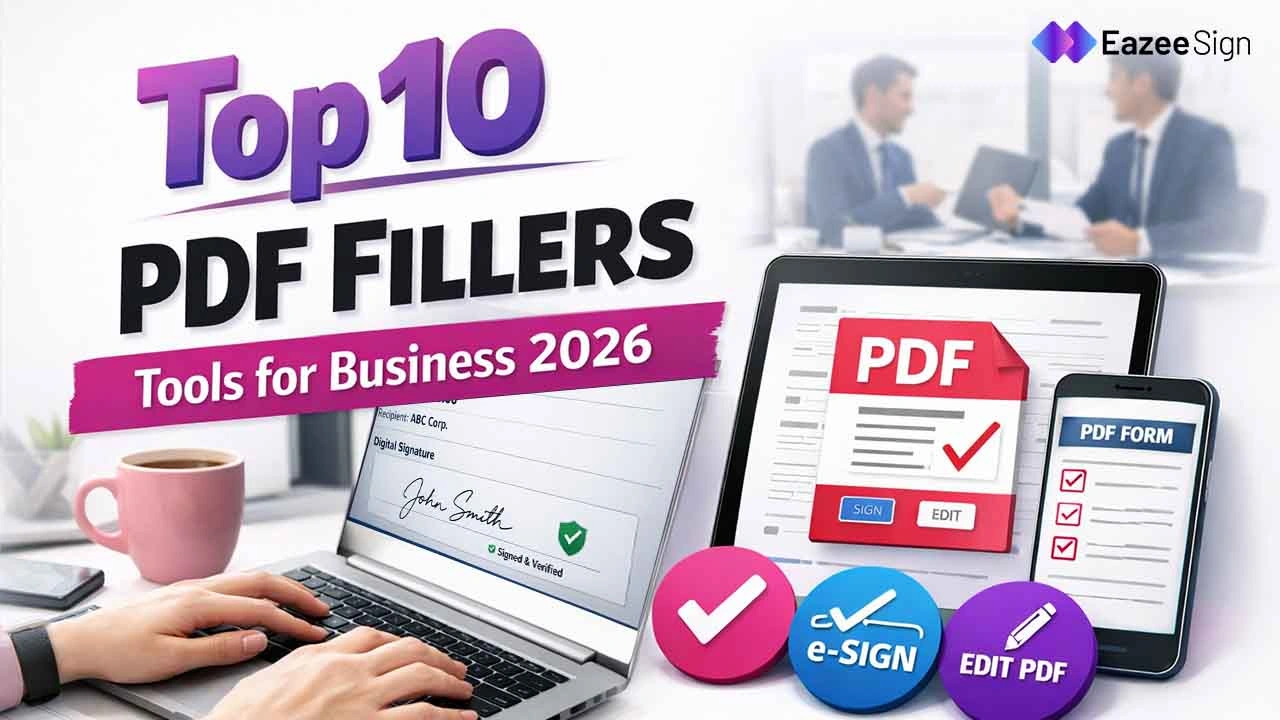
Every day, organizations handle a large number of documents. Be it contracts, invoices, onboarding forms, agreements, and compliance documents, most of the documents are often shared in PDF format. This format preserves the layout and prevents unnecessary changes. However, sometimes viewing a PDF is not enough. Editing a PDF is a task in itself. Businesses need reliable PDF fillers tools through which they can edit, fill, and even sign the document quickly.
That’s when the best PDF filler tools come in handy. From saving time and reducing paperwork to streamlining documentation workflows, the PDF fillers tool helps organisations in editing and filling the PDFs. Some tools also provide digital signatures and eSign features to sign documents securely without physical paper. Explore the list of the top 10 PDF fillers tools used for business in 2026, if you are also looking for tools to edit PDFs online instead of printing, filling, scanning, and emailing them.
Why Businesses Need PDF Fillers Tools?
Many business processes include form-filling and signing. But due to limited options for editing the PDF, employees have to download the file, print it, fill it manually, scan it, and send it back. This process gradually takes up a lot of time. In case of any errors, the same procedure has to be repeated.
With a reliable PDF filler tool, businesses can quickly and securely edit and save the files by reducing errors. Here are some benefits business can get by using the best PDF fillers tools to simplify their workflow:
- Fill PDF forms directly on the computer or mobile devices
- Add digital signature or electronic signature directly to the documents
- Edit text, images, and form fields quickly and easily
- Fix errors within seconds
- Store and manage documents securely
Top 10 PDF Fillers Tools Used for Business
By using modern electronic signature software and PDF editing tools, businesses can significantly improve productivity and document management. However, you might find plenty of tools in the market. But it can be overwhelming to choose which one is right for you. Here we have listed some easy-to-use PDF fillers tools that you can use for your business in 2026:
1. EazeeSign
EazeeSign is a modern electronic signature software. It allows all types of businesses to sign, send, and manage documents online. By replacing manual paperwork, it helps organization with a secure and efficient digital workflow. It is particularly a cost-effective document signing software with secure workflows and team collaboration features.
Signing contracts, agreements, proposals, and bulk PDF files can be challenging. Through this platform, businesses can upload PDF documents, add signatures, and send them to multiple recipients for approval.
Key Features
Here are some of the key features of using EazeeSign to edit PDFs and add digital signatures:
- Send and sign documents online quickly and securely
- Add electronic signature and digital signature fields
- Send bulk documents and get reusable templates
- Automated reminders and Document tracking
- Document editor and collaboration tools
- Secure storage with encryption and two-factor authentication
- Audit trails for compliance
2. Adobe Acrobat
Adobe Acrobat is one of the most popular and trusted PDF Fillers tools. It is used by businesses worldwide and is well known for its editing, filling, and signing features. It has compatibility for Mac, Windows, and Online. Also, it provides advanced editing and form-filling tools and premium features to create PDFs online.
Key Features
The key features of Adobe Acrobat are:
- Fill and edit PF forms easily
- Easily add electronic signatures or digital signatures
- Document conversion from Word, Excel, and PowerPoint into PDF
- Cloud storage and sharing options
- Strong security and password protection
3. DocuSign
Another useful PDF filler tool is DocuSign. It is widely known for its electronic signature and PDF filling features. Businesses can edit bulk PDFs by adding fillable fields, text, checkboxes, and signatures. Senders can enable the “Markup” tool to let recipients edit content. Many organisations use DocuSign to manage contracts and agreements digitally.
Key Features
Here we have highlighted some key features of DocuSign:
- Fill and sign PDF documents online
- Share or exchange documents for signature
- Automated workflow management
- Secure and legally compliant signatures
- Integration with CRM and business tools
4. Smallpdf
SmallPdf is one of the best PDF fillers tools. It is a simple and user-friendly platform that offers multiple PDF-related features. With straightforwad interface, many businesses find it easy to manage their bulk PDFs on this tool. It allows to fill forms, compress and convert files and add a signature in the premium versions.
Key Features
Here we have mentioned top key features of Smallpdf:
- Easily fill, edit, and share PDF format docs
- Add electronic signatures
- Convert PDF to other formats, like Excel, Word, or PPT
- Compress Large PDF file
- Extract PDF file pages
- Cloud Integrations with Google Drive and Dropbox
5. PDFfiller
PDFfiller is a cloud-based platform. It is designed to fill, edit, and sign PDF documents. Various businesses that manage large volumes of forms and contracts use PDFfiller to manage their documents digitally. Businesses edit, collaborate, and e-sign documents to approve contracts and agreements. Since it is a web-based tool, pdfFiller also integrates with cloud storage services like Google Drive to make collaboration easier.
Key Features
- Fill PDF forms quickly
- Create reusable document templates
- Add digital signature or electronic signature
- Advanced and secure document storage
- Easy sharing and collaboration features
6. Foxit PDF Editor
Foxit PDF Editor is a useful alternative to traditional PDF editing tools. With Foxit, businesses can get advanced editing features and document collaboration options. It preferred by businesses as it is secure, lightweight, and quick.
Key Features
- AI-Powered Tools to improve text clarity and enhance file quality.
- Edit text, images, and layout directly within the PDF
- Combine, split, reorder, or extract pages easily
- Create fillable forms and complete PDF forms quickly
- Secure document with encryption, passwords, and permission controls.
7. SignNow
SignNow is also one of the popular PDF fillers tools. Its complete set of PDF editing tools enables users to modify documents, add text, fill out forms, and insert electronic signatures. You can edit directly through a browser or mobile app. It allows businesses to automate document workflows and collect signatures faster.
Key Features
- Edit, fill, and sign PDF documents online
- Send PDF files for signatures
- Templates and reusable forms
- Secure cloud storage
- Accessible via web browser, app store, and mobile devices.
8. PandaDoc
PandaDoc is another useful filler tool used for PDF document automation. It is commonly used by sales and HR teams to manage contracts and proposals. Businesses can easily upload bulk PDFs, add drag and drop elements, and prepare electronic signatures securely.
Key Features
Here are some capabilities and features offered by PandaDoc:
- Upload and edit PDFs quickly
- PDF form field recognition
- Turn edited PDFs into reusable templates
- Add and share for e-signatures
- Real-time document tracking
9. Nitro PDF Pro
Nitro PDF pro is another well-known PDF editing tool. It is used by businesses for editing, filling, and signing documents. If businesses are looking for tools that focus on improving productivity by simplifying document workflows, can rely on this tool. Nitro PDF is commonly used by companies that require enterprise-level PDF editing capabilities.
Key Features
Here are some capabilities and features offered by Nitro PDF Pro:
- Modify existing text, change fonts, and edit images
- Create and fill PDF forms
- Add digital signature and electronic signature
- Collaboration and document sharing
- Convert files into PDF format
10. PDF.net
PDF.net is a PDF editing tool online. It is designed to help businesses manage documents quickly and efficiently. With a wide range of tools, it offers editing, secure signing, converting, and organising PDF files. Many Businesses use it to simplify document workflows and manage PDF tasks without installing heavy software.
Key Feature
Here are some capabilities and features offered by PandaDoc:
- Fill and eidt PDF documents online
- Merge, split, rotate, and organize PDF pages
- Add Electronic Signatures to PDF documents
- Cloud-based access from any device
- Secure Documents with encrypted file process
Benefits of Using PDF Fillers Tools for Businesses
From saving time to improving efficiency, there are several advantages that businesses can get by using PDF filler tool. Here we have listed a few benefits and reasons why businesses are using PDF fillers tools in 2026:
- Saves Time: By editing and filling PDF files directly online save time and effort of printing, manual filling, and scanning of the documents.
- Improves Productivity: Teams can easily collaborate on documents and get faster approval.
- Reduce Paperwork: Through tools, document workflows are now managed digitally, which has helped organization in reducing printing and paper usage.
- Streamline Workflow: Businesses can store and manage documents efficiently using cloud-based tools.
- Secure Document Handling: Most software platforms include encryption and authentication features to protect sensitive data.
In 2026, document management is becoming automated. With PDF filler tools integrating AI features, businesses can now automatically detect form fields, suggest edits, and streamline workflows.