B-1/E-23, Mohan Co-Operative Industrial Area, Mathura Road, Delhi-110044, India


- Uncategorized
- 13-Mar-2026
- -
- 0 Comments
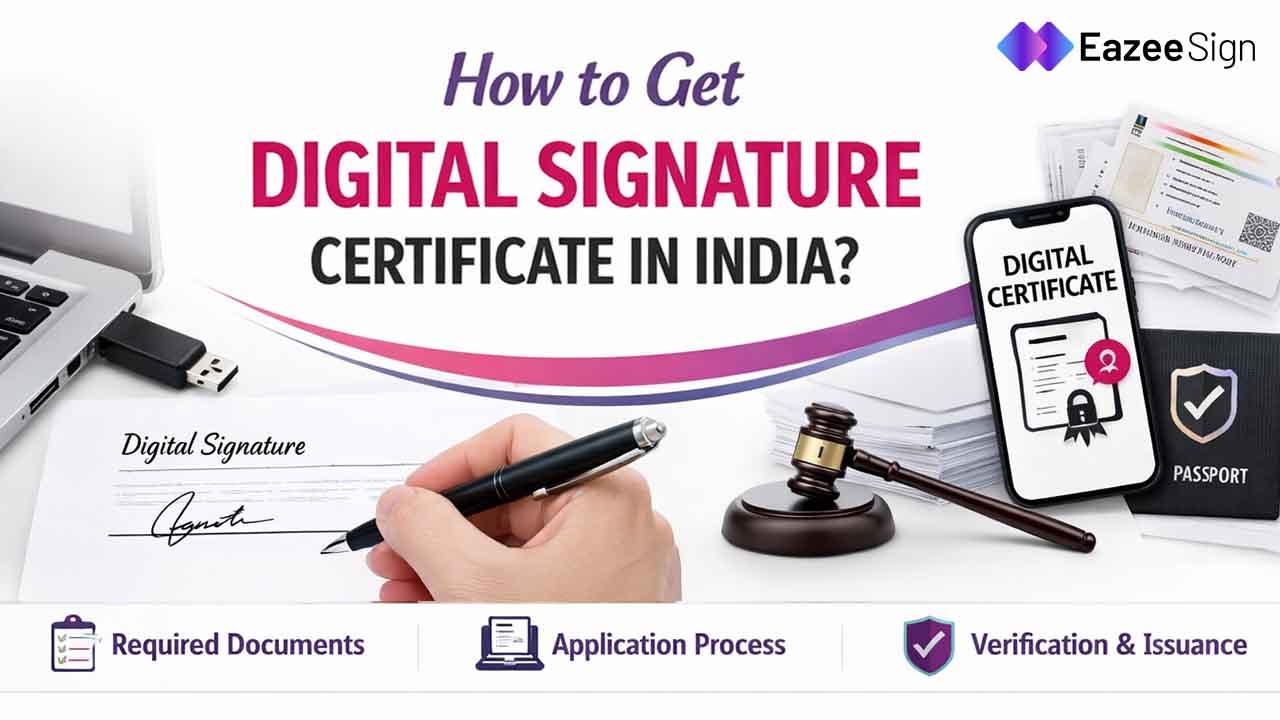
Digital Signature Certificate is also known as DSC. It acts as a digital ID of a person having it. In other words, it is an electronic version of your handwritten signature. It works as a secure key to authenticate you online.
In India, these are legally recognized under the Information Technology Act, 2000, so they carry the exact same weight as a handwritten signature. The technology behind it ensures three main things:
Authenticity (proving it’s really you),
Integrity (making sure the document isn’t changed after you sign), and
Non-Repudiation (so no one can deny they signed a document later).
What is a Digital Signature Certificate?
A Digital signature software Certificate is the electronic equivalent of a physical signature, validated by the Information Technology Act, 2000. While a physical signature can be forged and a scanned image of a signature is just a picture, a DSC is backed by complex mathematical cryptography that binds your identity to a specific document.
Note – Asymmetric Key Cryptography is the math that keeps your signature safe. It uses a “Key Pair”—a Public Key that you share and a Private Key that you keep secret on your USB token. Think of it like a secure lock: anyone can use your public “lock” to check your signature, but only your private “key” can create it in the first place.
Also Read: How to Validate Digital Signatures in E-Aadhar
Why do You Need a Digital Signature Certificate in 2026
As India’s digital infrastructure moves toward “Tax Administration 3.0,” a Class 3 DSC has become mandatory for almost every professional activity. So, if you are a business owner or a director, you’ll need one for:
Government Filings: You can’t incorporate a company, apply for a DIN, or file annual ROC returns on the MCA21 portal without it.
Tax Compliance: It is required for filing Income Tax Returns (ITR) for companies and for any GST-related registration or filing.
E-Tendering & Procurement: If you want to participate in government e-tenders, you must have a DSC to sign your bid documents and keep the process transparent.
Corporate Use: Instead of signing stacks of paper, you can use a DSC for bulk signing digital invoices and employee offer letters to speed up your office work.
Note – MCA21 is the official online portal for the Ministry of Corporate Affairs. Instead of visiting a physical office, every Indian company or LLP uses this website to register their business, file annual returns, and update director details in real-time.
Also Read: Digital Signatures in E-commerce
Understanding DSC Classes and Types
The Controller of Certifying Authorities (CCA) has simplified things recently. Instead of having multiple levels, Class 3 is now the only active class in India; Class 1 and Class 2 have been phased out completely.
- Signature Certificate: Use this for basic identity authentication on digital forms.
- Encryption Certificate: This protects sensitive data during transmission. You’ll usually need this for e-tendering.
- Combo (Sign and Encrypt): This is the most popular choice because it handles both identity and data security in one go.
- Individual vs. Organization: An Individual DSC is for your personal tax filings. Instead, an Organization DSC includes your company’s name and proves you are authorized to sign for the business.
Documents Required for Digital Signature Certificate
The process of applying for a Digital Signature Certificate is now paperless mostly. It is done via e-KYC, but you still need the following documents ready:
- For Individuals: A PAN Card of a person who is applying is mandatory because it links the DSC to their tax profile. Also for identity proof, Aadhaar card is the best option. Just make sure you have a recent photo and an active mobile number linked to the Aadhaar card for OTPs.
- For Organizations: You will need the company’s PAN card, the Certificate of Incorporation, and a Board Resolution naming you as the authorized signatory.
- Special Categories: Foreign nationals just need to provide their local government-issued ID and address proofs.
Digital Signature Certificate Application Process
The 2026 process is 100% paperless and can be finished in just a few hours. Here is how to do it:
- Choose a Licensed CA: Pick a government-approved provider like e-Mudhra, Capricorn, or VSign.
- Fill the Application: Head to their portal, select “Class 3,” and choose how long you want it to be valid (usually 1 to 3 years).
- Identity Verification (e-KYC): Choose the Aadhaar-based paperless route. It is the fastest way to get approved since it uses an OTP sent to your phone.
- Video Verification (V-CIP): This is a mandatory step under IVG 2.5 guidelines. You’ll record a quick video (under 25 seconds) where you state your name and a unique code while holding your original PAN and Aadhaar cards up to the camera.
- Payment and Approval: Pay the fee online. Once the CA checks your video, you’ll usually get approval in about 10–20 minutes.
Setting Up Your USB Crypto Token
Instead of storing your digital signature on your computer, where it could be copied, you must store it on a physical USB crypto-token.
- Hardware Standard: Your token must be FIPS 140-2 Level 2 certified. So, keep in mind that after September 21, 2026, the industry is moving toward the stricter FIPS 140-3 standard.
- New Series Tokens: Only “new series” tokens are compatible with certificates issued after March 2023. Older tokens won’t work for new downloads.
- Technical Setup: You’ll need to install the token driver and any middleware the portal requires, like emSigner for GST filings.
emSigner – Think of emSigner as a “bridge” utility. It is a small software you install on your computer that allows websites like the GST portal to “talk” to your USB token so you can actually apply your signature to a form.
Also Read: How to Add Signature to Word Document
Digital Signature Certificate Cost Breakdown (2025-2026)
The cost of obtaining a Digital Signature Certificate is determined by the class, the validity duration, the CA’s service fees, and the physical cost of the USB crypto-token. The following table reflects the standard market rates for Class 3 certificates, inclusive of the mandatory 18% GST.
| Certificate Type | Validity | Base Cost (₹) | Token Cost (₹) | Total (₹) |
|---|---|---|---|---|
| Individual Signature | 2 Years | 1,500 | 399 | 2,241 |
| Individual Signature | 3 Years | 2,250 | 399 | 3,126 |
| Organization Signature | 2 Years | 1,500 | 399 | 2,241 |
| Organization Combo | 2 Years | 2,034 | 399 | 2,871 |
| Organization Combo | 3 Years | 3,136 | 399 | 4,172 |
| DGFT Certificate | 2 Years | 2,000 | 399 | 2,831 |
| Foreign National DSC | 2 Years | 10,000 | 399 | 12,271 |
Renewal and Maintenance of Digital Signature Certificate
A DSC isn’t a “buy once and forget” tool. It needs regular management:
- 7-Day Renewal Rule: To keep your digital work moving, renew your DSC at least 7 days before it expires. This often allows you to reuse your existing USB token.
- Expired Certificates: If your DSC expires, you can’t use it. You’ll have to go through the entire application and video verification process all over again.
- Revocation: If you lose your USB token, you must report it to your CA immediately. They will revoke the certificate, so no one can misuse your signature.
Note – If you lose your USB token or suspect someone else used it, you must “revoke” it. This is exactly like “blocking” a lost credit card—it makes the digital signature inside that token permanently invalid, so it can’t be misused
Also Read: Contract vs. Agreement
Active licensed CAs in India (2025-2026) to issue Digital Signature Certificate
The licensed CAs in India represent a mix of public sector giants, private IT services firms, and specialized financial institutions. Each CA caters to different segments of the market, though all Class 3 certificates issued by them are legally equivalent.
| Licensed Certifying Authority | Nature of Business | Web Address | Valid Until |
|---|---|---|---|
| e-Mudhra Limited | IT Services and Digital Identity | www.e-mudhra.com | 06-Nov-2028 |
| Capricorn Identity Services | Certification Authority | www.certificate.digital | 15-May-2026 |
| Safescrypt (Sify Technologies) | Certificate Authority / IT Services | www.sifycorp.com | 04-Feb-2027 |
| (n)Code Solutions (GNFC) | PKI and e-Governance Solutions | www.ncodesolutions.com | 11-Oct-2029 |
| CDAC CA | R&D in IT and Advanced Computing | esign.cdac.in | 28-Jun-2030 |
| Verasys (Vsign CA) | IT Services and Digital Signing | www.vsign.in | 22-Jul-2028 |
| Protean (NSDL e-Gov) | IT enabled e-Governance services | www.proteantech.in | 26-Oct-2026 |
| IDSign CA | IT Services | www.idsignca.com | 06-Jan-2030 |
| CDSL Ventures Ltd CA | Construction and fund management | www.cvlindia.com | 06-Jan-2030 |
| PantaSign CA | IT Services | www.pantasign.com | 24-Feb-2030 |
| XtraTrust CA | Certifying Authority | www.xtratrust.com | 19-Sep-2026 |
| JPSL (Jio Payment Solutions) | Merchant Acquiring & Payment Gateway | www.jioesp.jio.com | 10-Apr-2027 |