B-1/E-23, Mohan Co-Operative Industrial Area, Mathura Road, Delhi-110044, India


- Digital Sign Apps
- 13-Mar-2026
- -
- 0 Comments
As things become more digitalised, security has become one of the most important factors in the digital space. As India moves many identification services online, e-Aadhaar is one of the most widely accepted digital documents. The Unique Identification Authority of India (UIDAI) issues the e-Aadhaar to help Aadhaar holders access it online.
The electronic Aadhaar is a valid identity document. However, users need to verify their e-signatures to confirm the authenticity and validate the documents. If you use it without validation, you will notice a message that says “Signature Not Verified.” This does not mean your document is fake. Instead, you need to validate digital signatures in e-Aadhaar to sign the documents.
So, if you want to know how to validate digital signatures in Aadhaar, get complete insights from here. In this guide, we have explained what digital signatures are, their importance, and the process to validate digital signatures in Aadhaar step by step.
Also Read: How to Get a Digital Signature Certificate in India
What is a Digital Signature in e-Aadhaar?
It is crucial to understand what it is and why it is needed before proceeding with how to validate a digital signature software in e Aadhaar. The electronic Aadhaar documents are issued by UIDAI. An eSign is a secure, encrypted, and cryptographic seal. It is placed by UIDAI to confirm its authenticity.
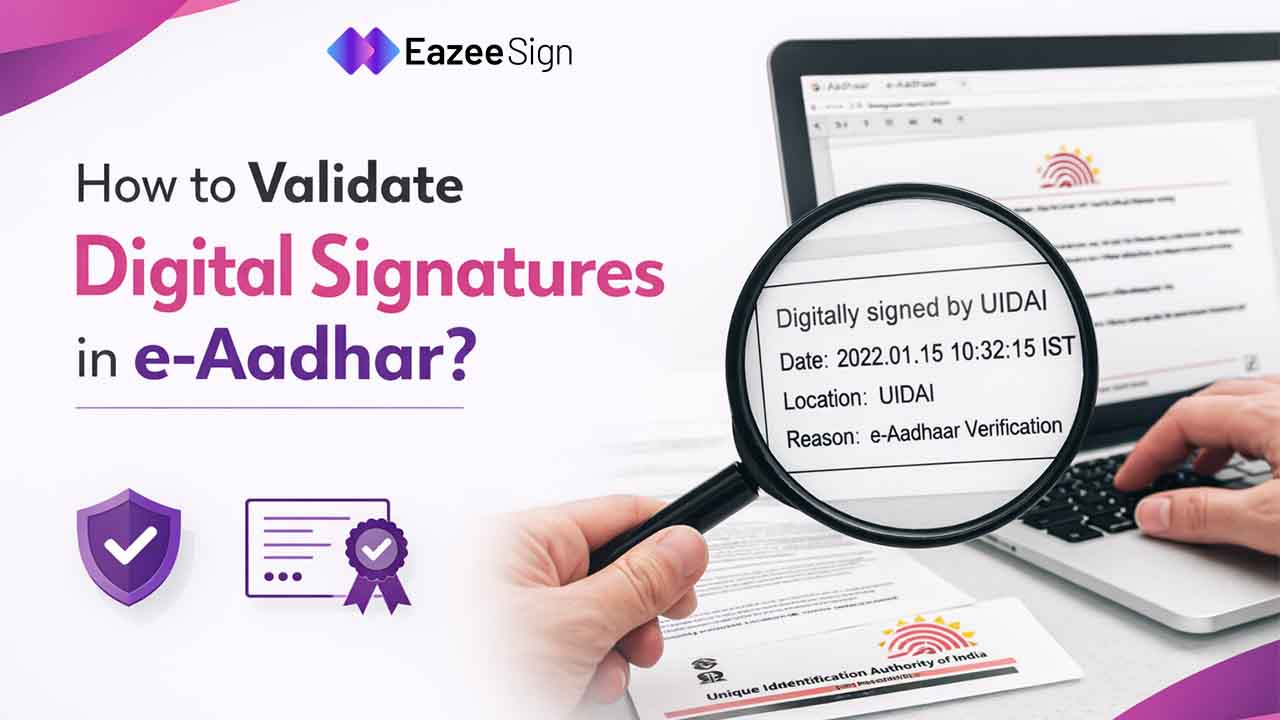
It verifies that the document is not forged and appears to be valid. A verifiable green tick mark will be visible at the bottom when opened in a PDF reader.
Key Features of a Valid e-Aadhaar Digital Signature
Here are the key features to understand why eSign is crucial on e-Aadhaar:
- It proves the PDF is not altered and was issued by UIDAI.
- The Controller of Certifying Authorities (CCA) issues a digital signature certificate for validity.
- Under the Information Technology Act, 2000, it stands as a legally valid document.
Also Read: Digital Signatures in E-commerce
Step-by-Step to Validate Digital Signature in e-Aadhaar
Validating the digital signature is a straightforward process. The UIDAI provides simple ways through which users can quickly and easily get their digital Aadhaar signature verified. Follow the step-by-step guide to validate digital signature in aadhar:
Step 1: Download the E-Aadhaar File
- Visit the UIDAI Aadhar official website.
- Navigate the Aadhaar download tab.
- Enter your aadhaar number or enrollment ID.
- Verify by entering the OTP sent to the registered mobile number.
- Download pdf file of e-Aadhaar.
Step 2: Open the Document in a PDF Reader
- Open the downloaded PDF file using a PDF reader
- Enter the password to unlock the document
- You may notice a Yellow question mark, showing “Signature Not Verified.”

Step 3: Check Signature Properties
- Look for the signature icon or validation and then right-click on it.
- Click on “Show Signature Properties”
- A pop-up will appear on your screen, then click on Show Signature Certificate
Step 4: Add to Trusted Certificates
- Click on the ‘Trust’ tab in the menu above
- After that, click on “Add to Trusted Certificates,” and click on OK
- After click Ok on all pop-ups, click on Validate signature to validate
- A green tick mark will appear on your e-Aadhaar, saying Signature Valid.

Once the certificate is trusted, the signature status will update.
Also Read: How to Add Signature to Word Document
Why is Validate Digital Signatures in Aadhar Required
In today’s digital world, you can easily secure digital document signing through Aadhaar eSign app. Although an e-Aadhaar is already a secure document. However, verifying the signature provides additional assurance. Some of the reasons why you should validate digital signatures in e-Aadhar are mentioned below:
- Ensure Data Integrity: You can verify that the details mentioned in the document have not been changed after it was issued by UIDAI.
- Prevent Fraud: Main reasons is to check the document authenticity. Through validation, it can be detected which Aadhar file is fake or modified.
- Confirm Document Authenticity: By validating eAadhaar, you can confirm that the document is issued by UIDAI and not tampered with.
- Required for Official Processes: Verified digital signature on an Aadhaar document can be required by some institutions to confirm its authenticity.
- Increase Trust in Digital Documents: It is very evident that with validation, you can confirm that the digital identity document is secure.
When You Might Need to Validate Digital Signatures in E-Aadhar
Aadhaar eSign is one of the secure ways to digitally sign official documents. However, there are a few situations in which organisations may require verifying the signature automatically. But there will be some situations where you need to confirm the document’s authenticity manually. Some of the situations are:
- Submitting Aadhaar for bank verification
- Opening Demat Accounts
- Completing KYC procedures
- Uploading documents for government applications
- Verifying identity for employment or education
- Checking the downloaded Aadhaar files’ authenticity
Understanding how to validate digital signatures in e aadhar helps authorities ensure that your Aadhar can be trusted during these processes.
Things You Need Before Validating the Signature
While validating the digital signature in Aadhar, you may require a few things. So, it is always better to keep things ready to avoid any last-minute hassle. Here are a few things you should need to validate eSign on your Aadhaar document:
- Downloaded e-Aadhaar PDF
- A PDF reader such as EazeeSign
- A stable Internet connection
- Mobile phone for OTP on your registered number
The e-Aadhaar PDF is password-protected. Therefore, you need the password to open it. The password format is the First four letters of your name in capital letters + year of birth.
Example:
- Name: Priyanshi Sharma
- Year of Birth: 1999
- Password: PRIY1999
Common Problems While Validating Digital Signatures
While validation may seem like a straightforward process, there can be some issues that users may face while trying to validate digital signatures in Aadhar. Here we have listed some of the common issues users face while validating digital signatures:
- “Signature Not Verified” is one of the problems that users face when the certificate is not trusted by their system.
- Sometimes, the software used does not trust the Controller of Certifying Authorities (CCA) that issues the signatures.
- If the signing certificate has expired or been revoked, then it can also cause signature validation
- Document modification after it has been signed will automatically invalidate the signature.
- Sometimes the software does not verify the full chain of trust when the signing chain is broken due to the missing intermediate or root certificates.
- An outdated PDF reader or missing trust settings can also cause invalidation of the digital signature and show as ‘not verified’
- Sometimes, different national standards and technical requirements can also make it difficult to validate signatures
Also Read: How to Get a Digital Signature Certificate in India
Is E-Aadhaar Legally Valid?
In short, yes, the electronic versions of eAadhaar are considered equally valid as the physical card. UIDAI issues the electronic Aadhaar document. According to the Aadhaar Act, 2016, the document can be used as an ID proof in both physical and electronic formats.
Under Section 4(3) of the Aadhaar Act, it is clearly stated that an eAadhaar number may be accepted as proof of identity for any purpose, subject to authentication. Moreover, the UIDAI has clarified that e-Aadhaar should contain the same details as the printed document. The details mentioned on the eAadhar are:
- Name of the Aadhaar Holder
- Address
- Gender
- DOB
- Photograph
- Aadhaar generation date
- Date of download
- Digitally signed certificate issued by UIDAI
It is digitally signed under the provisions of the Information Technology Act, 2000. This act has given legal recognition to an electronic document as an authentic digital record.
Security Features of E-Aadhaar
Alongside the process to validate electronic signature software in e-Aadhar, the document has various other security features as well. It is designed with several security layers to protect user data. Some of them are:
-
- Password Protection: To open the document, the Aadhaar holders need to use a unique password.
- Digital Signature: In order to confirm that the Aadhaar file is issued by UIDAI, a valid digital signature is required.
- QR Code Verification: Institutions can easily verify Aadhaar details by scanning the QR code.
- Encrypted Data: It also protects personal information from unauthorised access.
As digital documentation becomes more common, verification of digital records is also crucial. So, if you want to confirm that your document is authentic and issued by UIDAI, you need to validate digital signatures in e aadhar by following the above process.