B-1/E-23, Mohan Co-Operative Industrial Area, Mathura Road, Delhi-110044, India


- Electronic Signature
- 27-Oct-2026
- -
- 0 Comments
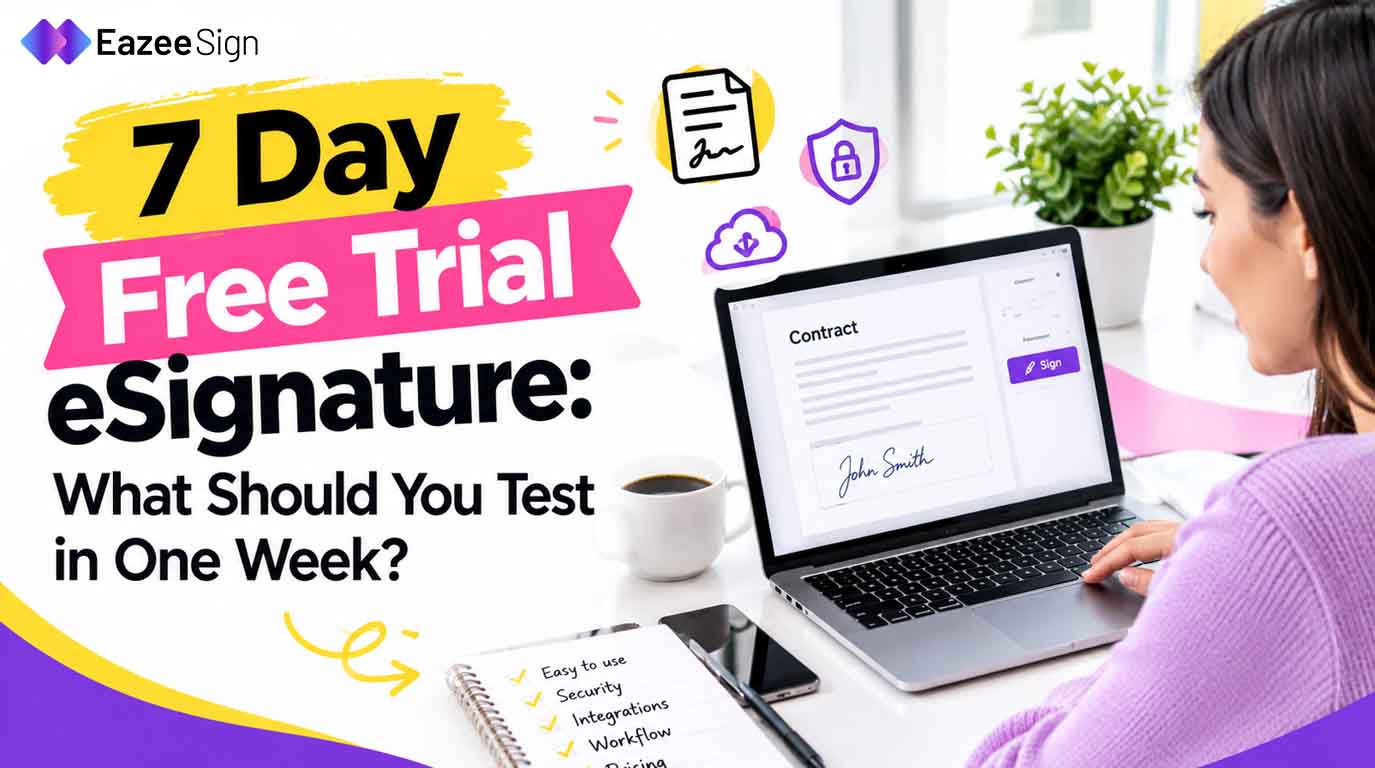
Choosing eSignature software is easier for people when there is an option to try it before paying. But seven days can pass quickly — especially when you have documents to sign, team members to involve and features to explore.
A 7 Day Free Trial eSignature Software gives you a brief period within which you can experiment with the software and find out whether it will fulfill your specific needs. Instead of trying out each function, you can focus on your specific processes such as sending agreements, collecting signatures, tracking the process and managing completed documents.
So, here is the guide on how to make the most of your 7 days trial period before finding the right eSignature platform.
Here is how to make the most of your seven day trial before choosing an eSignature solution.
Why Try eSignature Software Before Buying?
An electronic signature tool may look simple on its website but using it in real time with real documents can reveal things you might otherwise miss. Individuals might realize that the eSigning procedure requires several steps or that monitoring outstanding documents can be more challenging than anticipated.
A free trial of a software program enables you to assess the functions of the program before signing up for a subscription. It also gives individuals the chance to find out if this software is appropriate for their team, the number of documents they have to work with, and the procedure they have to go through to get the documents approved.
Before starting to look for software, write down three ways in which you would like the program to help you. These are: for instance, simplifying your paperwork, reducing your efforts in waiting for the people’s responses, or making the process of getting electronic signatures easier.
7-Day Free Trial eSignature Software: A Day —by —Day Testing Plan
Use this simple procedure to evaluate the software without wasting your important trial period.
Day 1: Test Document Upload and Signing
Start by uploading a sample PDF and checking — how easily you can prepare it for signing. Look at the steps required to place signature fields and send the document to the intended recipient.
Try the process on a desktop and if available a mobile device. A straightforward signing experience should not require lengthy instructions for every user.
Day 2: Check Multiple Signers and Signing Order
If your documents need signatures from several people- test the complete workflow. Can you add multiple signers? Can you specify who signs first?
This matters for HR documents, vendor agreements and business proposals. A clear signing sequence can help prevent delays caused by people receiving documents at the wrong time.
Day 3: Evaluate Tracking and Automatic Reminders
Delivering a document is just the first step which you should clearly know whether it has been received, opened and, if there are still some signatures missing.
You can check the tracking features that you were offered and find out if it is possible to send reminders to the clients without the need to communicate with them separately.
Day 4: Explore Templates and Bulk Sending
If you send out identical papers regularly like an employee onboarding letter, HR policies you can verify if the tool provides reusable templates. Templates can save you from doing redundant tasks when drafting employment letters, service contracts, and ordinary business documents.
Firms distributing documents to several receivers must also take bulk-sending functions into account. It is necessary to note any receiving limits or restrictions applicable to this plan.
Day 5: Review Document Organization and Audit Trails
Examine the storage system for completed and outstanding documents. Check if you can locate a certain agreement without difficulty. Are folders, tags and search options accessible?
To ensure accountability, check whether there is a tracking feature that provides the history of relevant documents with their timestamps. This will enable teams to evaluate the signing process later on
Day 6: Review Security, Access and Pricing Limits
You should verify the security measures mentioned in the provider’s documentation along with their methods of access control and authentication. If there are multiple users, the way access is managed should also be checked.
Make sure to go through the trial policy with care. Look at the number of documents allowed, the limitations on the number of users allowed, the possibilities the application offers and the payments to make.
Day 7: Test a Complete Workflow and Decide
Be sure to utilize the last day to send important documents for signatures and to track how they are processed. It’s a good idea to ask a colleague to try out the software before your team starts using it.
After completing all the tasks, check how things turned out compared to the list you made the previous week. When picking a suitable app, prioritize functionality over the number of features advertised.
Is EazeeSign Worth Considering?
When evaluating different eSignature solutions, it’s also worth trying out EazeeSign. It combines several features for signing and managing documents like the ability to sign by many parties, track the process in real time, receive notifications and create multiple copies in advance.
Businesses can benefit from features like document summaries, key clause identification, and red-flag detection functions if they need help with document examination.
EazeeSign is available for you to explore its full functionality and to know about the plans before making a choice.
The ideal tool is supposed to meet your needs in terms of the budget, workflow, and documents.
Final Thoughts
One week should be sufficient for you to understand a lot, provided you verify the correct things. You should pay attention to the daily signing routines you have, see what is complicated about the process and consult with your team before making a decision.
Your eSignature solution should ensure easy document signing, instead of adding more complications.
Frequently Asked Questions
1. What should I test during a 7-day free trial of eSignature software?
Test uploads of the document, signing fields, number of signers, reminders, tracking, templates, audit trails and limits. Concentrate on features that will be used on a regular basis.
2. Is a free trial of eSignature software better than a free plan?
A trial can give you temporary access to the paid services, whereas the free plan may provide you with limited features without a definite period of trial. Check the conditions of the service provider before making a choice.
3. Can I sign PDF documents during an eSignature software free trial?
Most providers let you sign PDF documents within a trial period, but the features and limits may differ from one provider to another. Make sure to check the details of the plan before uploading anything important.
4. What happens when a 7-day eSignature software trial ends?
You might lose some access or features depending on the service provider or might need to pay for a premium plan. Make sure you go through their terms and conditions before proceeding.
5. How do I choose the right eSignature software for my business?
Look for some factors, such as convenience of use, signing process, tracking, updating information, managing documents, level of safety, prices and number of users. Try out the service before you decide to use it.