B-1/E-23, Mohan Co-Operative Industrial Area, Mathura Road, Delhi-110044, India


- Electronic Signature
- 18-Nov-2026
- -
- 0 Comments
E signature software lets people sign documents online instead of printing, signing and scanning them. Contracts, offer letters, vendor forms and approvals can be sent by link and signed in a couple of minutes. Most small businesses use an e sign tool in some form today.
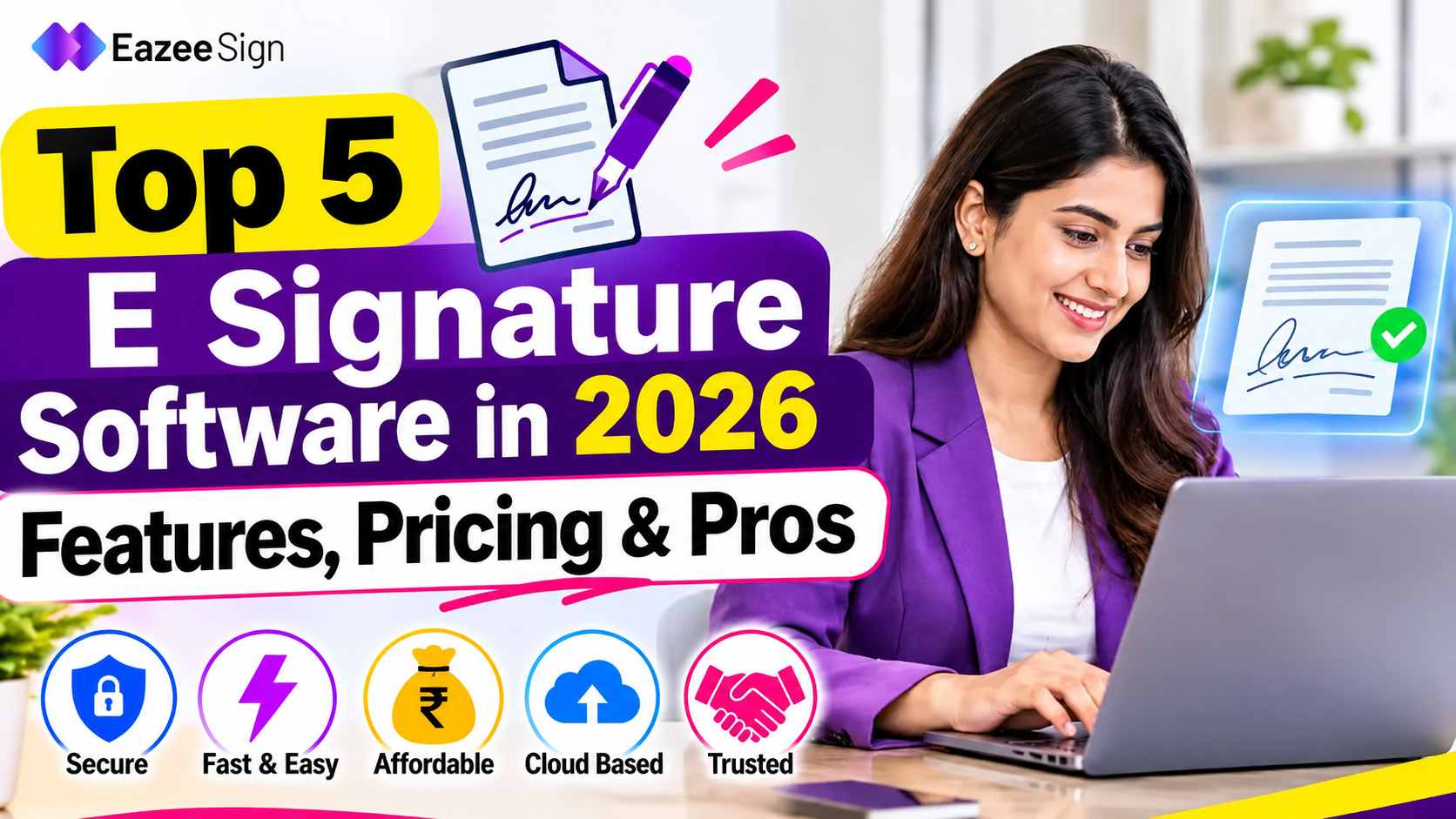
Picking one is harder than it sounds. Many tools look the same, and the real differences are in limits, pricing and how much work they automate. This guide compares the top 5 e signature software options for 2026 on features, pricing and fit. Details come from vendor websites and public pricing pages checked in November 2026.
What Is E Signature Software and How Does It Work
E signature software lets people sign, send and store agreements online. The process is short:
- A document is uploaded and signature fields are placed.
- Signers receive an email or link, and a signing order can be set if needed.
- Each signer opens it on a phone or computer, signs and submits.
- Reminders go out automatically to anyone who has not signed yet.
- A finished copy goes to everyone, along with a record of who signed, when and from where.
For everyday contracts and approvals, a standard electronic signature is enough. Some filings need a stricter kind of signature, covered in the FAQs below.
Benefits of E Signature Software for Small and Growing Businesses
The main benefit is speed. A contract that took days of printing and couriers can close the same afternoon. Paper, postage and storage costs fall as well. Every signed file also sits in one place with a record attached, so nobody has to search old emails for the final version.
Mistakes drop too. Required fields stop signers from skipping a line, and everyone signs the same copy. For a small team with no admin staff, these small gains add up quickly.
Remote work adds another reason. Signers no longer need to be in the same city, or even awake at the same hour. A client abroad can sign overnight, and the document is ready by morning.
Common Documents Signed With E Signature Software
Almost any agreement that needs a name and a date can move online. The most common ones are:
- HR paperwork: offer letters, appointment letters and policy acknowledgements
- Sales documents: quotes, proposals and service agreements
- Legal and finance: NDAs, vendor agreements and purchase orders
- Property: rental and lease paperwork
- Internal approvals: expense sign offs and budget requests
Repeat documents benefit most. A reusable template means the fields are placed once and every later copy is ready in seconds.
What to Look for in E Signature Software in 2026
Most tools list similar features. These five points show the real differences.
- Clear pricing. Plan limits and trial terms should be easy to find. Hidden caps are a common complaint.
- AI help. Contract summaries, risk flags and automatic field placement save review time.
- Security. Identity checks, two factor sign in and a full audit trail help if an agreement is ever disputed.
- Automation. Reminders, templates and signing order speed up closing, and mobile signing matters because many signers use phones.
- Integrations and caps. Links to storage and CRM tools help as volume grows, and a limit on documents per user can change the real cost.
The tools below are listed in a suggested order for small and growing teams, not as a formal ranking.
Free vs Paid E Signature Software: What Changes
Free plans suit occasional signing. They usually allow one user and a few documents a month, and the vendor’s branding stays on every request. Paid plans raise or remove those caps and add templates for repeat documents, bulk sending, custom branding and integrations.
The upgrade point usually arrives when a team sends more than three or four documents a month, or when a second person needs to send. A trial works differently from a free plan. A trial ends after a set period, while a free plan stays available with low limits. The table below shows which type each tool offers.
Top 5 E Signature Software at a Glance
EazeeSign is priced in rupees and the others in US dollars.
| Tool | Free option | Starting price | Best for |
| EazeeSign | 7 day trial, up to 5 documents | From ₹350 per user a month (yearly billing) | Small and growing teams wanting AI contract checks |
| Docusign | Trial only | About $10 a month (Personal) | Enterprise compliance and integrations |
| PandaDoc | Yes, 5 documents a month | About $19 per user a month | Sales teams building proposals |
| Dropbox Sign | Yes, 3 requests a month | About $15 a month | Simple, unlimited signing |
| Zoho Sign | Yes, 5 envelopes a month | $10 per user a month | Teams already using Zoho |
Top 5 E Signature Software Reviewed
1. EazeeSign
EazeeSign is an AI powered e signature platform based in India. Documents can be uploaded or drafted from a short prompt, checked, sent to one or more signers and tracked until the last signature arrives. Signers confirm their identity with a one time passcode, and every action is saved in an audit trail.
The AI tools set it apart. They summarise long agreements, flag risky or one sided clauses, pull out key terms, compare two versions of a document and place signature fields automatically. For a small team without a lawyer on call, a quick summary and a list of red flags can make a contract easier to approve with confidence.
Other listed features include multi party signing, signing order, reminders, templates, folders, two factor login and iOS and Android apps. The website also mentions SOC 2 and ISO 27001 security.
Beyond the trial, Standard adds bulk sending, signing links and real time comments. Business Pro, at ₹650 per user a month on yearly billing, adds unlimited templates, reports, custom branding and multi language support. Enhanced plans add SSO, team workspaces and API access.
It is newer than the older names, so public reviews are still growing. A trial with one real document is a quick way to judge fit.
2. Docusign
Docusign is a name many clients already know, which helps when a counterparty asks for it. It routes documents to several signers, saves reusable templates, supports several languages and shows who viewed and signed. Hundreds of integrations cover tools like Salesforce, Microsoft and Google products. Standalone e signature plans sit beside a wider contract management suite, so teams with heavy volume should check which tier they need.
The catches are cost and caps. Standard is about $25 per user a month and allows 100 envelopes per user a year. Personal is limited to 5 envelopes a month. There is no built in document editor, so files must be finished before upload. Downloading many documents at once has also been reported as limited.
3. PandaDoc
PandaDoc combines a document editor with e signing, so proposals, quotes and contracts can be built and signed in one place. More than 450 templates are included, and a mobile app shows when a document is opened, commented on or signed. It connects with Salesforce, HubSpot, Zapier, Zoho and Dropbox.
Paid plans have unlimited sending, and Business costs about $49 per user a month. The editor takes time to learn, and teams that only need a signature on a finished PDF may find it more than necessary.
4. Dropbox Sign
Dropbox Sign keeps things simple: upload, place fields, send. It has templates for common forms such as NDAs, automatic reminders, and encryption in transit and at rest. It connects with Salesforce, HubSpot, Google Workspace, Box and SharePoint. An API allows signing inside websites and apps, which helps with automated onboarding and hiring. Teams already on Dropbox can send files straight from storage.
Essentials includes 5 templates. Standard is $25 per user a month with a two user minimum and 15 templates. Customization is limited, and editing documents inside the tool can be awkward.
5. Zoho Sign
Zoho Sign links with Zoho CRM, Writer and WorkDrive, so Digital signature requests connect with records stored there. It offers templates, bulk sending, public signing links, identity verification and status tracking, and every plan includes an audit trail. Reviewers often mention good security and easy setup.
Standard allows 25 envelopes per user. Professional costs $16 per user a month with unlimited envelopes and adds branding options, and Enterprise costs $22. Customization is limited, and some reviewers mention slow support. The tool makes the most sense for teams already using Zoho apps.
How to Choose E Signature Software
A few simple steps make the choice easier:
- Count how many documents are sent each month, and by how many people.
- Check whether the plan has a sending cap, and what happens past it.
- Run one real agreement through a free trial and ask a signer to open it on a phone.
- Look at the audit trail the tool produces.
- Ask what the second year costs, not just the first.
A tool that fits today but hits a cap in six months only delays the switch.
Final Thoughts on the Top 5 E Signature Software
The top 5 e signature software tools above suit different needs. A free trial of two or three on a real document shows more than any comparison chart. Moving to a paid plan only when limits start to hurt keeps costs sensible.
FAQs
How much does e signature software cost?
Entry paid plans from the tools above start around $10 per user a month and rise to about $50 for advanced tiers. Cost depends mostly on sending caps and extra features.
Is an electronic signature legally valid?
In most cases, yes. The ESIGN Act in the US and the Information Technology Act, 2000 in India recognise electronic signatures. Some documents, such as wills, are usually excluded, so legal advice helps for specific cases.
What is the difference between an e signature and a digital signature?
An e signature is any electronic mark that shows intent to sign, such as a typed name or a drawn signature. A digital signature uses certificate based encryption to confirm the signer and catch later changes. It is mainly needed for certain regulated filings.
Can documents be signed online without an account?
Usually yes. Signers open the emailed link and sign. The sender typically needs an account.
Can e signature software be used on a phone?
Yes. Signing links open in a phone browser, and some platforms also offer apps for sending and tracking on the go.
Is e signature software secure?
Reputable tools use encryption, audit trails and identity checks such as one time passcodes. The security certifications a vendor lists are worth checking before buying.