B-1/E-23, Mohan Co-Operative Industrial Area, Mathura Road, Delhi-110044, India


- Digital Sign Apps
- 30-Oct-2026
- -
- 0 Comments
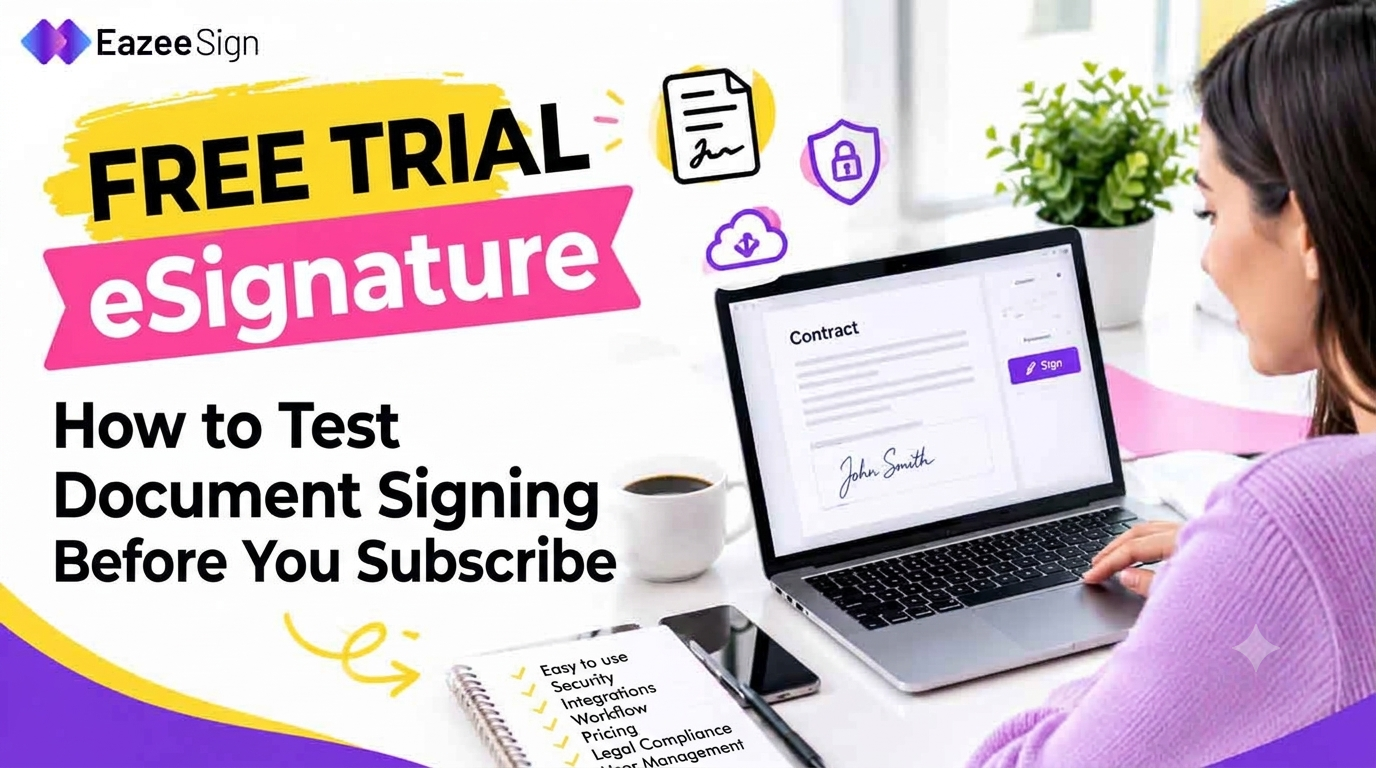
A feature list can promise everything. Then the first contract goes out, and twenty minutes disappear hunting for the signature field. Choosing an eSignature platform on specs alone is a gamble. What matters is whether a team can — send, sign, track and manage documents without friction. An electronic signature software free trial settles that before any money changes hands.
It shows how easy documents are to send, how the signing experience feels, whether tracking works, how the eSign app behaves on mobile, how secure the platform is and whether the workflow fits the way the team actually works.
What Is an Electronic Signature Free Trial?
It’s a test drive. Nothing more complicated than that.
An electronic signature free trial gives a team access to a platform before committing to a paid plan. The real process gets run, not read about. Upload a document. Add a signer. Drag signature fields into place. Send it. Sign it from the other side. Then check the status and open the completed copy.
That’s the whole loop, and it’s exactly what a screenshot can’t show. Some platforms feel smooth from the first click. Others demand effort at every step. A trial reveals which kind is on the table.
Why Businesses Should Use an Electronic Signature Free Trial Before Subscribing
Software that looks great on paper can still be a pain on a Tuesday afternoon. A trial helps check five things.
How easy signing really is: Can someone send a document without technical knowledge? If a sales rep needs a tutorial, that’s a problem.
What recipients go through: Is it simple to open the document and sign? Clients won’t fight a clunky process. They’ll just delay.
How many steps the workflow takes: Count the clicks from upload to signed. Every extra one gets multiplied across every document.
Whether tracking and notifications work: Pending, completed and declined documents should be visible at a glance, with no chasing anyone.
Whether it fits the team: Good on paper, annoying in daily use. A trial is the only way to catch that.
What Should Be Tested During an Electronic Signature Free Trial?
This is where the digital signature software trial earns its keep. Random poking doesn’t count. A checklist does.
Document upload: Try different formats. A clean PDF will always work. A messy Word file with odd margins is the real test.
Signer management: Add multiple signers. If order matters, set the signing sequence and see whether it holds.
Signature placement: Place signatures, dates, initials and any other fields in regular use. Notice how fiddly or smooth it feels.
Sending and signing: Send a real test document to a colleague, then sign it as the recipient. Seeing the process from the other side is the part most people skip.
Document tracking: Confirm that pending, completed and expired documents show up clearly.
Mobile experience: Open the signing process in an eSign app or a phone browser. A great desktop experience doesn’t guarantee a good mobile one, and plenty of people sign on the go.
Completed document management: Find out how signed documents are stored and how fast one can be pulled up months later.
7 Questions to Ask Before Choosing an eSignature Platform
Skip the feature dump. Ask questions that deserve real answers.
- How easy is it to send a document for signing?
- Can multiple people sign the same document?
- Can documents be tracked in real time?
- Is the signing experience simple on mobile?
- How are completed documents stored?
- What security and authentication options are available?
- Will the platform keep up as document volume grows?
Run through these during the trial and write the answers down. By day three, a team will know more about any electronic signature tool than its pricing page will ever say.
Electronic Signature Free Trial vs. Choosing Directly From Features
A feature list tells what the software claims to do. A trial shows how it actually works.
Those two things aren’t always the same. A platform can tick every box on the comparison chart and still take six clicks to send one agreement. Another might list fewer features and simply get out of the way.
So the whole experience matters more than the count. Ten clumsy features lose to six that work the way a team thinks. Trust what’s been tested, not what’s been read.
Common Mistakes to Avoid During an Electronic Signature Free Trial
Most people waste their trial. Here’s how.
Testing only one document. Different document types and workflows need a run. One clean PDF proves very little.
Testing only as the sender. Sign something as a recipient too. That’s what clients will go through.
Ignoring mobile. Plenty of documents get signed from phones, often in a hurry.
Focusing only on price. A cheaper platform that creates more manual work isn’t cheaper.
Skipping security and document management. Signing is only one part of the process. Where the signed copy lives matters just as much.
When to Move From an Electronic Signature Free Trial to a Paid Plan
Subscribe once a few things are confirmed:
- The workflow is easy for employees and recipients.
- Documents can be tracked reliably.
- The platform meets security requirements.
- It works across devices.
- It can handle the expected document volume.
- It cuts down manual follow-ups.
Here’s the rule. A trial ending isn’t a reason to subscribe. A platform proving useful is. If doubt remains on the last day, that’s an answer too.
Conclusion:
Yes, and it costs nothing but a little time. An electronic signature free trial shows how signing really works before any commitment. Sending, signing, tracking, mobile use and document storage all get tested firsthand instead of taken on trust from screenshots.
So pick one real document this week and run it through the full loop. Any eSign App worth paying for, EazeeSign included, should hold up under that test. The teams that test before they subscribe tend to end up with tools that keep pace as the paperwork grows.
FAQs
How long does an electronic signature free trial usually last?
Most run between 7 and 30 days. Shorter windows reward teams that plan their testing in advance.
Is a credit card required to start a free trial?
It depends on the provider. Some ask for card details upfront, and others don’t. The cancellation terms are worth checking before any payment information goes in.
Can real documents be used during the trial?
Yes, and they should be. Real files show how the tool handles actual formats, lengths and signer behaviour. Highly sensitive documents are better held back until the data storage answers are clear.
What happens to signed documents when the trial ends?
That varies. Some platforms keep files accessible for a limited period, and others lock them. Downloading signed copies and audit trails before the window closes avoids surprises.
Does an esign app work the same as the desktop version?
Not always. Layout, field placement and signing flow can differ on smaller screens, so testing on both a phone and a computer is worth the few extra minutes.