B-1/E-23, Mohan Co-Operative Industrial Area, Mathura Road, Delhi-110044, India


- Digital Signature Software
- 02-Sep-2026
- -
- 0 Comments
A procurement head at a mid-size manufacturing firm once kept a filing cabinet dedicated entirely to signed vendor contracts. Not because anyone loved paper. Because that’s just how it had always been done.
Then a shipment got held up over a missing signed PO — the physical copy was in transit between offices, somewhere between a courier bag and a desk drawer. That was the last paper contract that company ever signed.
Stories like that are quietly becoming common. And they explain, better than any feature list, why businesses are moving to a digital signature app.
Read More – Different Signature Styles: A Complete Guide
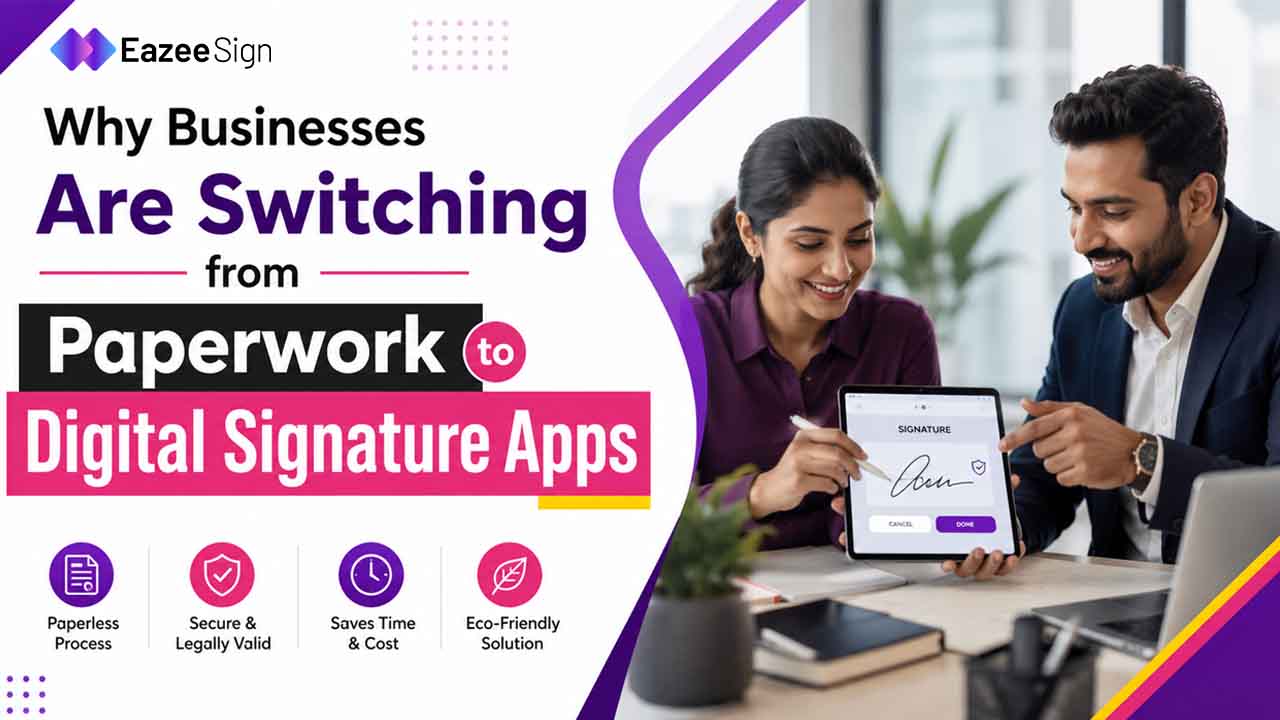
The Real Reason Businesses Choose a Digital Signature App
Ask a company why they switched and most will not say “sustainability” first. They will mention a deal that slowed down. A form that got lost. A signature that took nine days to collect because four people were in four different cities.
Paperwork was never really the villain. Waiting was.
A digital signature software platform does not just remove paper from the process — it removes the delay that paper quietly builds in. No printer. No scanner. No envelope sitting on someone’s desk for a week.
What Pushed Businesses Toward a Digital Signature App
Contracts Were Taking Too Long Without Digital Sign Software
A sales contract that should close in a day was routinely taking a week. Not because anyone disagreed with the terms — just because getting four signatures across four locations meant four separate delays stacking on top of each other.
With a digital sign software platform, that same contract can go out, get opened, get signed and come back the same afternoon. Nothing about the deal changed. Just the friction around it.
Compliance Got Harder to Track Without a Digital Signature App
A chartered accountant reviewing client agreements needs to know exactly who signed what and when. On paper, that meant physically locating a document and hoping the signing date was not smudged or missing.
A proper audit trail, the kind built into most digital signature apps — timestamps every action automatically. Who opened the document. When they signed it. What IP address they signed from. That is not just convenient. That is the kind of record an audit actually wants to see.
Remote and Hybrid Teams Needed a Digital Sign App
Not every signer sits in the same office anymore. A freelancer in another city, a vendor in another state, a candidate accepting an offer letter from her phone on a Sunday — none of them are walking into a building to sign anything in person.
A digital signature app does not care where the signer is. That alone has made it less of a nice to have and more of a baseline expectation.
How a Digital Signature App Changes Day to Day Work
It is easy to talk about a digital signature app in the abstract. It is more useful to look at what actually changes once a team adopts one.
Before: Documents printed, signed, scanned, re-uploaded, sometimes re-scanned because the first scan came out crooked.
After: Documents uploaded once, signed digitally and stored automatically — no scanner touched at any point.
That shift alone removes a surprising number of small failure points. A scanned signature that’s too light to read. A page that got misplaced between departments. A signed contract sitting in someone’s personal email instead of a shared folder.
None of these were catastrophic on their own. They just added up. And digital sign app platforms are, in a sense, built to quietly eliminate all of them at once.
Read More – A Guide to Different Types of Electronic Signatures
Three Teams Using Digital Signature Software Differently
An HR manager used to chase signed offer letters manually, following up by phone when candidates went quiet for a few days. After adopting a digital signature app for onboarding, most offer letters came back signed the same day — no chasing required.
A real estate consultant working with buyers, sellers and tenants across different cities used to coordinate physical paperwork across all three parties at once. Getting everyone in the same room or even the same week, was rarely possible. Digital sign software meant each party could sign from wherever they actually were.
A legal consultant reviewing contracts daily did not need faster signing so much as faster review — and found that AI-assisted document tools built into modern digital signature apps helped flag important clauses before signing, not after.
Three different jobs. Same underlying shift: less time spent managing paperwork, more time spent doing the actual work.
Is a Digital Signature App Legally Reliable?
This is usually the first objection and a fair one. Ink feels final. A file on a server does not, at first glance.
But electronic and digital signatures are recognised under India’s IT Act, 2000 and electronically signed records are generally admissible as evidence — provided the signing process meets accepted standards. A certificate-based digital signature, using cryptographic keys from a CCA-approved Certifying Authority, is often required for specific regulated filings, while everyday contracts typically only need a standard eSign.
So the legal question was mostly answered years ago. What has changed recently is that businesses have finally caught up to it.
What to Look for in a Digital Signature Software Platform
Not every digital signature software platform is built the same. A few things worth checking before committing to one:
- Does it meet IT Act, 2000 compliance for India?
- Does it provide a full audit trail who signed, when, from where?
- Can recipients sign without creating an account?
- Does it support multi-party signing with a set order?
- Is two-factor authentication available before someone accesses a document?
EazeeSign, for example, is built around this exact list — audit trails, 2FA, no-login signing for recipients and bulk sending for teams handling multiple documents at once.
The Honest Trade-Off With Digital Sign Apps
Switching is not purely upside. Some clients still prefer ink and some government filings still require it. A digital signature app does not erase every use case for paper — it just shrinks the list considerably.
For everything else — contracts, offer letters, vendor approvals, NDAs — paper has quietly stopped being the default. A digital sign app has become the norm and paper the exception businesses reach for only when they have to.
That filing cabinet from earlier? Most companies still have one somewhere. They just do not add to it anymore.
Read More – How to Sign a Google Doc Electronically With EazeeSign
FAQs
What is a digital signature app used for?
It is used to sign, send and track documents electronically — contracts, offer letters, NDAs, vendor approvals — without printing or scanning.
Is a digital signature app legally valid in India?
Yes. Digital and electronic signatures are recognised under the IT Act, 2000 and are generally admissible as evidence when the signing process meets accepted standards.
What is the difference between digital signature software and electronic signature software?
Digital signature software typically refers to certificate-based signing using cryptographic keys, often required for regulated filings. Electronic signature software covers broader methods like typed, drawn or click-to-sign, suitable for most everyday contracts.
Do businesses save money by switching to a digital sign app?
Indirectly, yes — mainly through reduced printing, courier and administrative costs, along with faster deal closures that reduce lost time.
Can a digital signature app handle multiple signers on one document?
Yes. Most platforms support multi-party signing, including setting the order in which recipients sign.
Is it safe to send sensitive contracts through a digital sign software platform?
Generally yes, provided the platform includes encryption, two-factor authentication and a detailed audit trail for every document.
Do recipients need to install anything to sign a document?
No. Most digital signature apps let recipients sign directly in a browser, without downloading software or creating an account.